


WPCode Pro
$4.99 Free for Members
WPCode Pro is a WordPress plugin for adding custom PHP, JavaScript, CSS, and HTML snippets without editing core files. It includes error handling, conditional logic, and a snippet library.
| Version | 2.3.9 |
|---|---|
| Last Updated | August 29, 2026 |
| Type | WordPress Plugin |
| License | GPL v2 or later |
| Live Demo | View demo → |
100% GPL · Original files · Unlimited sites
- Original, unmodified files — delivered exactly as distributed by the developer
- GPL licensed — use it on unlimited websites, personal or client
- Free updates — new versions appear here as soon as they are released
- Verified downloads — every file is integrity-checked (SHA-256) before release
Distributed under the GNU General Public License. Not affiliated with the original developer; official support, license keys and developer-hosted services (such as one-click updates) are available only from the developer.
Secure checkout with PayPal · GPL licensed · Instant download
Description
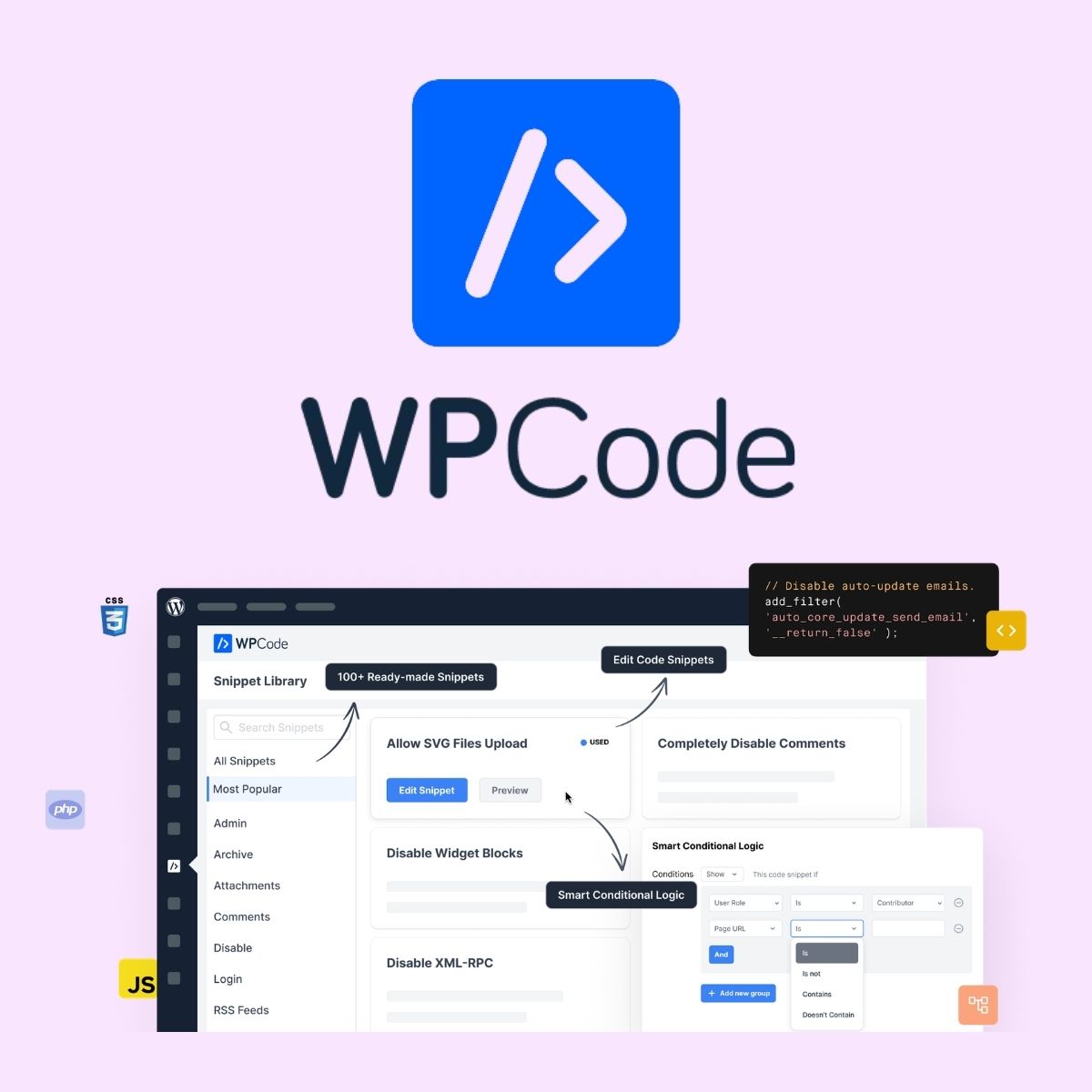
WPCode Pro is a WordPress code snippets plugin that lets you add custom code to your site from one dashboard instead of editing core theme files. It supports PHP, JavaScript, CSS, HTML, and other snippet types, and includes error handling that catches common mistakes before they reach your live site. You can control where snippets run with conditional rules and reuse saved snippets across the sites you manage.
Key Features
- Custom Code Snippets – Add your own PHP, JavaScript, CSS, HTML, and text snippets without touching core files.
- Safe Error Handling – Built-in checks catch common code mistakes so a typo does not take your site down.
- Smart Conditional Logic – Decide exactly when and where each snippet loads, such as on a specific page or for logged-in users.
- Snippet Library – Use ready-made, expert-reviewed snippets to add common functionality instead of installing another plugin.
- Header and Footer Scripts – Place sitewide scripts, meta tags, and tracking pixels in the header or footer from the plugin.
- Auto-Insert Locations – Choose where snippets appear automatically, such as before post content or only in the header.
- Cloud Snippet Storage – Save snippets to your private cloud library and reuse them on the other sites you manage.
- Code Generators – Build custom snippets by filling in a form rather than writing the code yourself.
Who Is It For
This plugin suits WordPress site owners, marketers, and developers who want to add custom functionality through code snippets without editing theme or core files. It is also aimed at people managing several sites who want to store and reuse snippets from one place.







