


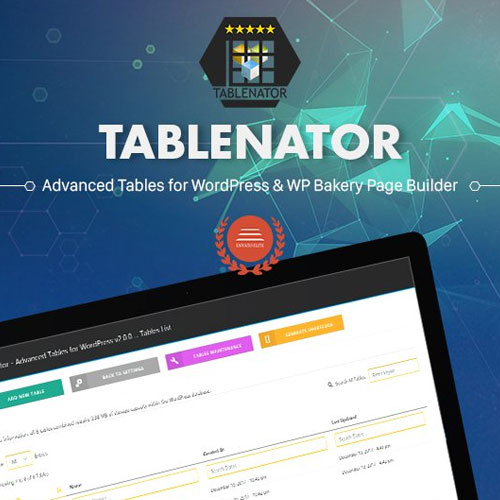
Tablenator – Advanced Tables for Visual Composer

$4.99 Free for Members
Tablenator builds advanced responsive tables inside WPBakery Visual Composer, including pricing, comparison and data tables with sorting, filtering and mobile-friendly collapse options.
| Version | 2.1.92 |
|---|---|
| Last Updated | August 16, 2021 |
| Type | WordPress Plugin |
| License | GPL v2 or later |
| Live Demo | View demo → |
100% GPL · Original files · Unlimited sites
- Original, unmodified files — delivered exactly as distributed by the developer
- GPL licensed — use it on unlimited websites, personal or client
- Free updates — new versions appear here as soon as they are released
- Verified downloads — every file is integrity-checked (SHA-256) before release
Distributed under the GNU General Public License. Not affiliated with the original developer; official support, license keys and developer-hosted services (such as one-click updates) are available only from the developer.
Secure checkout with PayPal · GPL licensed · Instant download
Description
Tablenator is a WordPress plugin that lets you create advanced responsive tables directly within WPBakery Visual Composer. It covers pricing tables, comparison tables, data tables and custom layouts, and includes sorting, filtering and mobile-friendly collapse options.
Key Features
- Built for Visual Composer – Tables are created inside the WPBakery Visual Composer editor rather than through a separate tool.
- Pricing Tables – You can build pricing tables to present plan options side by side.
- Comparison Tables – Comparison tables let you line up items or plans against shared criteria.
- Data Tables – Data tables present structured information in rows and columns.
- Custom Layouts – Tables can be arranged in custom layouts instead of one fixed template.
- Sorting – Visitors can sort table content, so large tables are easier to scan.
- Filtering – Filtering lets users narrow down which rows are shown in a table.
- Mobile Collapse – On smaller screens the tables can collapse into a mobile-friendly format.
Who Is It For
This plugin suits WordPress site owners and developers who build pages with WPBakery Visual Composer and need pricing, comparison or data tables. It is aimed at anyone who wants responsive tables with sorting, filtering and mobile-friendly collapse behavior.







