


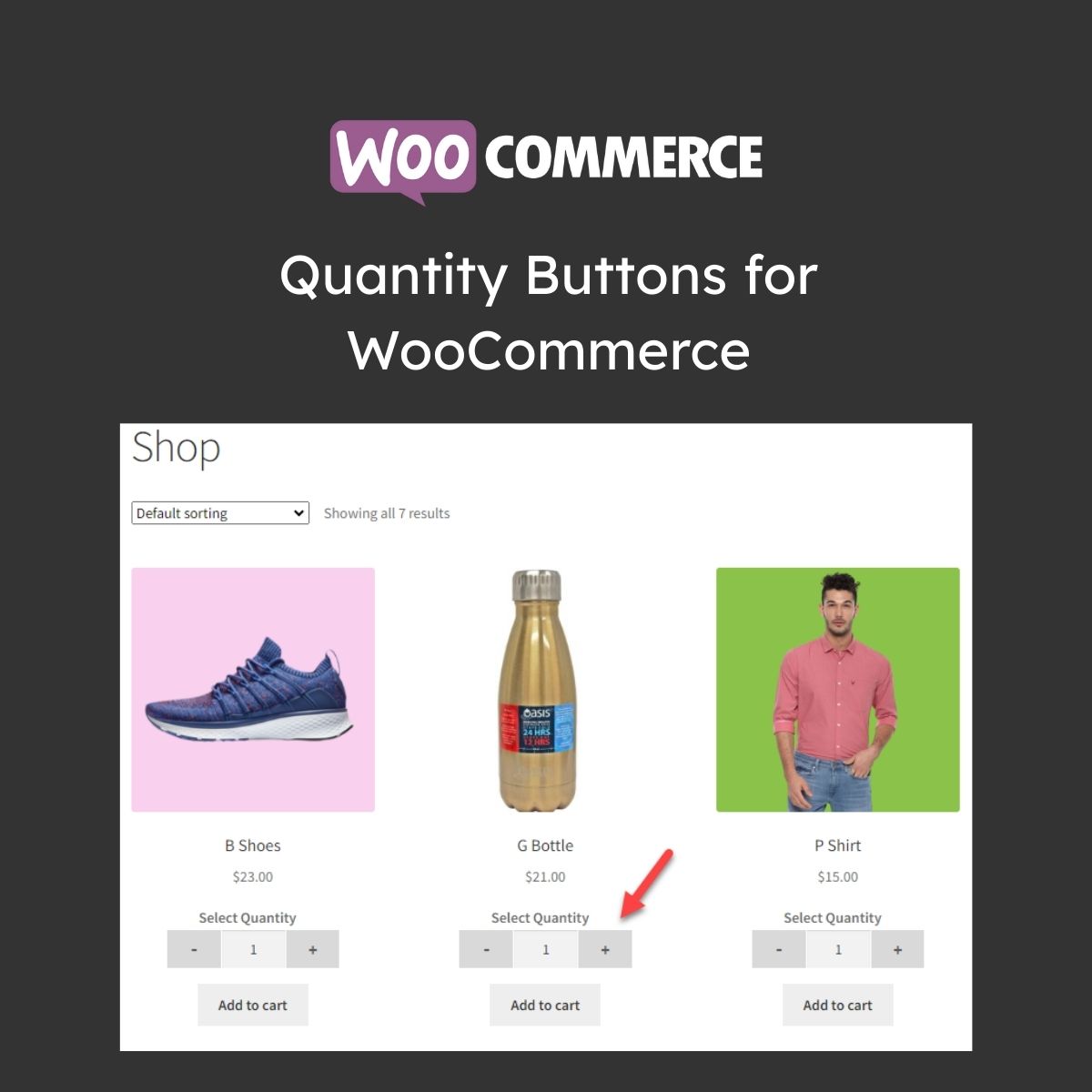
Quantity Buttons for WooCommerce

$4.99 Free for Members
Quantity Buttons for WooCommerce replaces the default quantity field with plus and minus buttons, range sliders, and rules for minimum, maximum, and step values.
| Version | 1.1.6 |
|---|---|
| Last Updated | January 3, 2026 |
| Type | WordPress Plugin |
| License | GPL v2 or later |
| Live Demo | View demo → |
100% GPL · Original files · Unlimited sites
- Original, unmodified files — delivered exactly as distributed by the developer
- GPL licensed — use it on unlimited websites, personal or client
- Free updates — new versions appear here as soon as they are released
- Verified downloads — every file is integrity-checked (SHA-256) before release
Distributed under the GNU General Public License. Not affiliated with the original developer; official support, license keys and developer-hosted services (such as one-click updates) are available only from the developer.
Secure checkout with PayPal · GPL licensed · Instant download
Description
Quantity Buttons for WooCommerce is a plugin that swaps the standard number input on shop, product, cart, and checkout pages for plus and minus controls. Store owners can set minimum and maximum order quantities, define increment steps, and apply rules by product, category, or user role. Buttons and a quantity range slider can be styled and combined to match the store theme.
Key Features
- Plus and Minus Buttons – Customers adjust quantities with clear plus and minus buttons instead of typing into a number field.
- Minimum and Maximum Limits – You can define the smallest and largest quantities a customer may order, with custom error messages when limits are exceeded.
- Custom Increment Steps – Quantities can increase in set multiples, such as 2, 4, 6, for products sold in sets or bulk.
- Rule-Based Display – Rules control where quantity buttons appear, including specific products, categories, or user roles.
- Quantity Range Slider – A slider lets shoppers pick a quantity quickly, and it can be used alongside the buttons or on its own.
- Button Style Options – Choose between Classic and Modern button styles to fit the store's look.
- Button Customization – Colors, borders, radius, font, width, and hover color can all be adjusted for the quantity buttons.
- Custom CSS Support – You can add your own CSS to fine-tune the buttons to match the theme.
Who Is It For
This plugin is for WooCommerce store owners who want customers to change order quantities with buttons or a slider instead of typing numbers. It suits shops that sell in sets or bulk and need minimum, maximum, or step rules, including control by product, category, or user role.







