


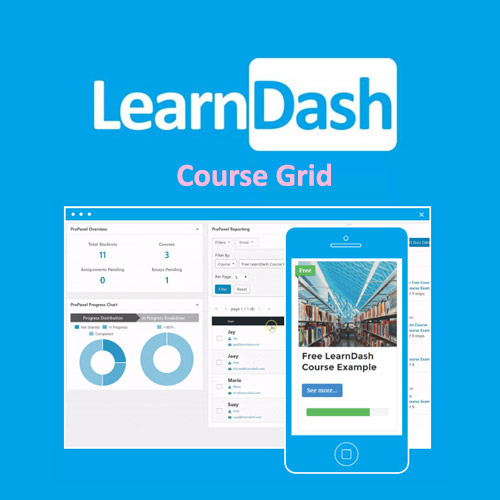
LearnDash LMS Course Grid Addon

$4.99 Free for Members
LearnDash Course Grid Addon shows your LearnDash courses in a visual grid layout with thumbnails, descriptions, ribbons, buttons, and filters, so learners can browse your catalog more easily.
| Version | 2.0.11 |
|---|---|
| Last Updated | April 16, 2025 |
| Type | WordPress Plugin |
| License | GPL v2 or later |
| Live Demo | View demo → |
100% GPL · Original files · Unlimited sites
- Original, unmodified files — delivered exactly as distributed by the developer
- GPL licensed — use it on unlimited websites, personal or client
- Free updates — new versions appear here as soon as they are released
- Verified downloads — every file is integrity-checked (SHA-256) before release
Distributed under the GNU General Public License. Not affiliated with the original developer; official support, license keys and developer-hosted services (such as one-click updates) are available only from the developer.
Secure checkout with PayPal · GPL licensed · Instant download
Description
LearnDash Course Grid Addon is a WordPress plugin that presents LearnDash courses in a grid-style layout instead of the default course list. It supports the WordPress Block Editor and shortcodes, and includes filtering, skins, and display settings for customizing how courses appear. The same grid can also be used to display lessons, topics, or quizzes.
Key Features
- Grid course layout – Courses are arranged in a visual grid rather than a plain list, which makes browsing a catalog easier, especially on larger screens.
- Block Editor support – You can insert and configure the grid directly inside the WordPress Block Editor.
- Customizable skins – Visual styles called skins let you change how the grid looks to match your site's design.
- Built-in filtering – Learners can narrow the courses shown in the grid using the filtering options included with the plugin.
- Shortcode placement – A shortcode lets you place the grid on pages built with page builders or the Classic Editor.
- Lessons, topics, quizzes – The grid is not limited to courses; it can also present lessons, topics, or quizzes.
- Progress bars – You can choose whether a course progress bar appears on each grid card.
Who Is It For
This addon is for LearnDash site owners and course creators who want a more visual, browsable course catalog. It suits WordPress users working with the Block Editor, page builders, or the Classic Editor, and can also be used to display lessons, topics, or quizzes.







