


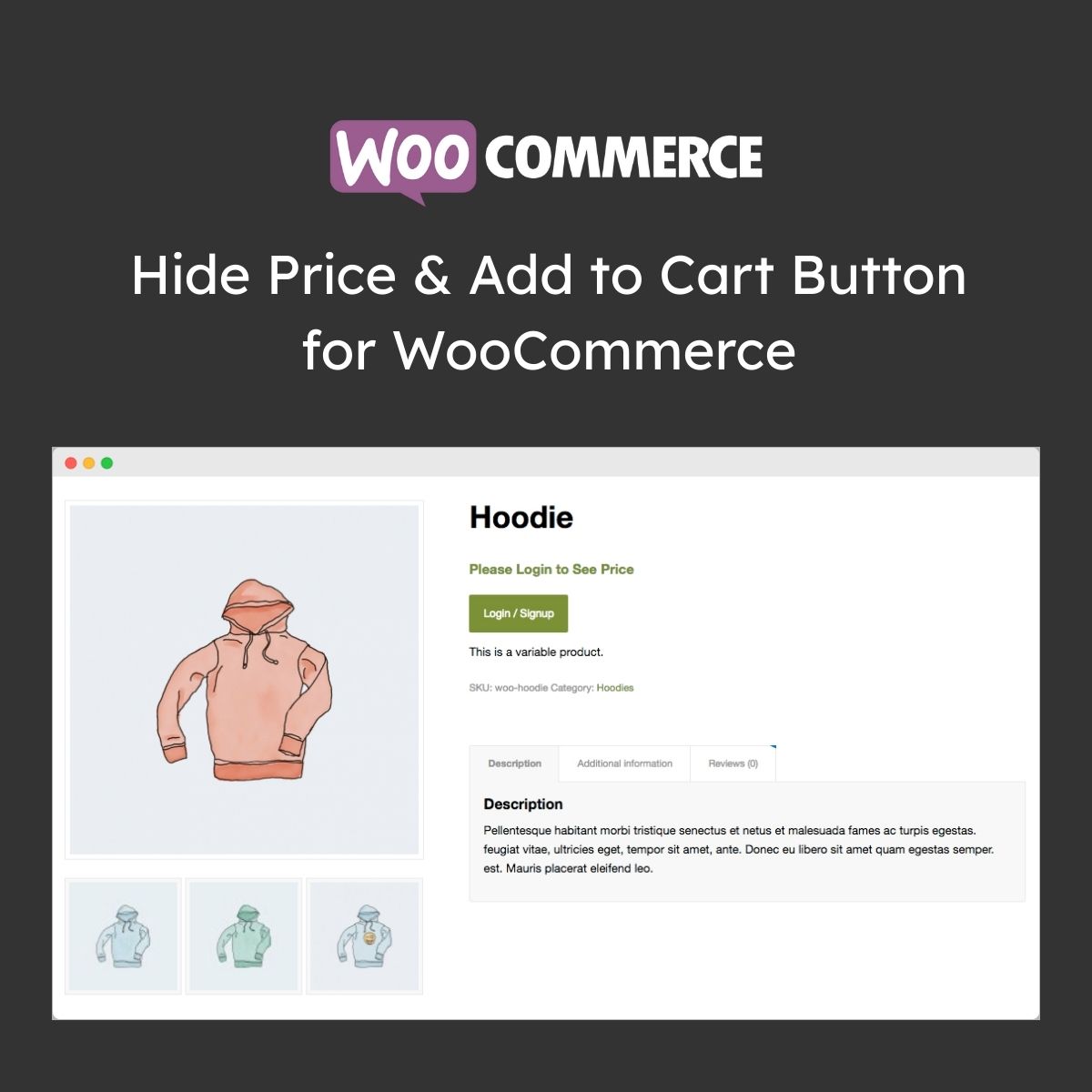
Hide Price & Add to Cart Button for WooCommerce

$4.99 Free for Members
A WooCommerce plugin that hides prices and add-to-cart buttons for chosen products, categories, countries, or customer groups, and can swap them for custom text, links, or a contact form.
| Version | 1.5.3 |
|---|---|
| Last Updated | August 4, 2026 |
| Type | WordPress Plugin |
| License | GPL v2 or later |
| Live Demo | View demo → |
100% GPL · Original files · Unlimited sites
- Original, unmodified files — delivered exactly as distributed by the developer
- GPL licensed — use it on unlimited websites, personal or client
- Free updates — new versions appear here as soon as they are released
- Verified downloads — every file is integrity-checked (SHA-256) before release
Distributed under the GNU General Public License. Not affiliated with the original developer; official support, license keys and developer-hosted services (such as one-click updates) are available only from the developer.
Secure checkout with PayPal · GPL licensed · Instant download
Description
Hide Price & Add to Cart Button for WooCommerce lets store owners control who sees pricing and buying buttons in their shop. You build rules to hide prices, the add-to-cart button, or both for guests, registered customers, or specific user roles, and for particular products, categories, or countries. Instead of the hidden elements, you can show custom text, a linked button, or a contact form.
Key Features
- Hide prices and buttons – You can remove the price and/or the add-to-cart button from selected products and categories.
- Target by customer group – Visibility can be limited to logged-out visitors, registered customers, or particular user roles.
- Country-based hiding – Rules can also hide the price and/or add-to-cart button for shoppers in specific countries.
- Replace price with text – A hidden price can be swapped for your own custom text.
- Replace button with form or link – The add-to-cart button can be replaced by a contact form or a custom button pointing to a page you choose.
- Rule-based management – You set up multiple rules that decide what is hidden and what replaces it.
- Catalog-style shop – With prices and cart buttons hidden, the store works as an online catalog you can share.
Who Is It For
This plugin suits WooCommerce store owners who need to control price and cart visibility rather than show them to everyone, such as wholesalers, B2B sellers, and merchants running an online catalog or quote-based ordering process.







