

WordPress Hide Admin Menu Plugin
$4.99 Free for Members
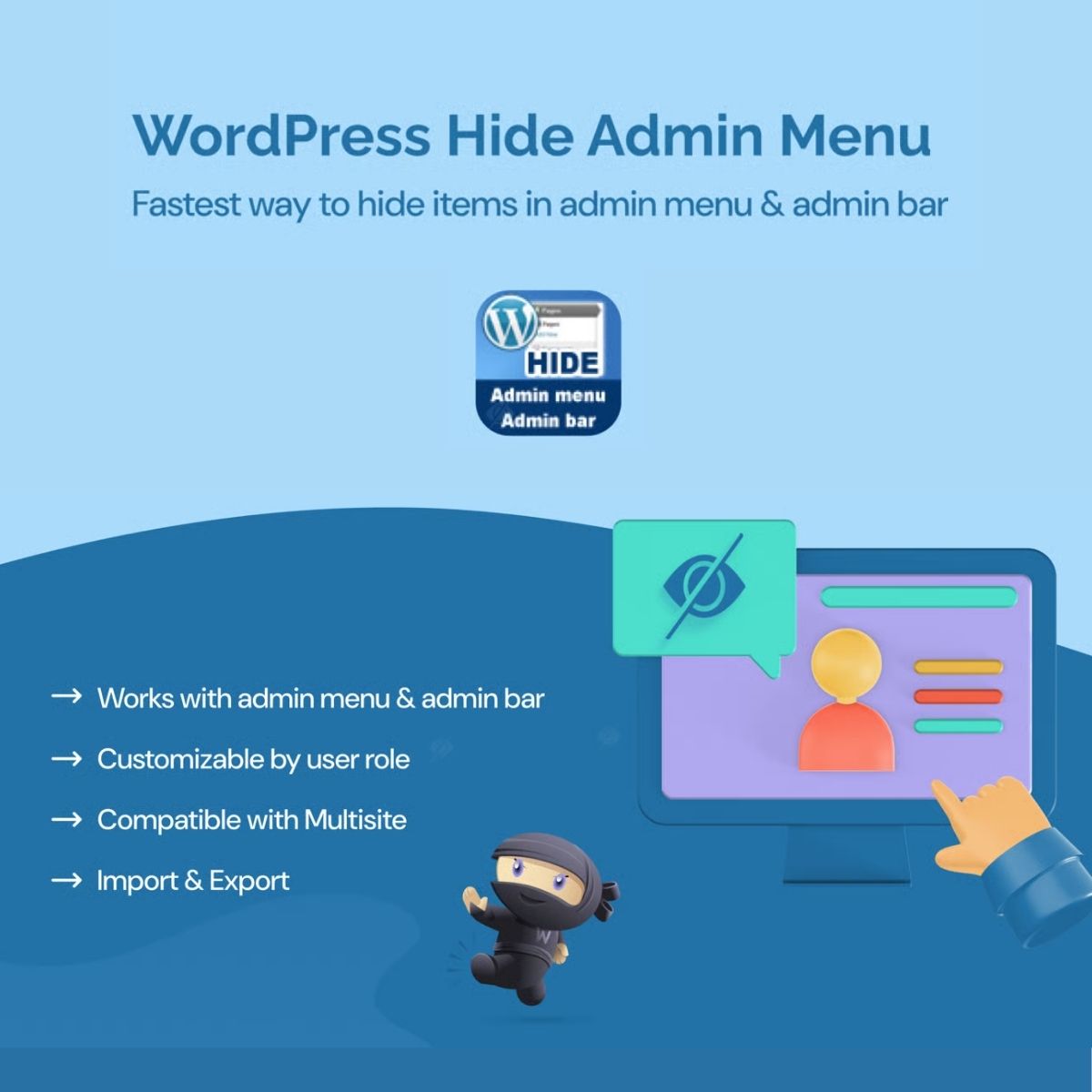
A WordPress plugin that lets administrators hide specific menu items and submenu pages from selected user roles, so editors, authors, and custom roles see only relevant options.
| Version | 3.1.0 |
|---|---|
| Last Updated | January 11, 2026 |
| Type | WordPress Plugin |
| License | GPL v2 or later |
| Live Demo | View demo → |
100% GPL · Original files · Unlimited sites
- Original, unmodified files — delivered exactly as distributed by the developer
- GPL licensed — use it on unlimited websites, personal or client
- Free updates — new versions appear here as soon as they are released
- Verified downloads — every file is integrity-checked (SHA-256) before release
Distributed under the GNU General Public License. Not affiliated with the original developer; official support, license keys and developer-hosted services (such as one-click updates) are available only from the developer.
Secure checkout with PayPal · GPL licensed · Instant download
Description
This plugin gives administrators control over which admin menu items and submenu pages are visible. Visibility can be set per user role, so editors, authors, and custom roles only see the options that matter to them. The result is a simpler admin experience for the people managing content.
Key Features
- Hide menu items – Administrators can hide specific items from the WordPress admin menu for chosen roles.
- Hide submenu pages – Individual submenu pages can also be hidden, not just top-level menu entries.
- Role-based visibility – What is hidden depends on the user role, so different roles can have different admin menus.
- Simpler admin for editors – Editors, authors, and custom roles can be shown only the options relevant to their work.
Who Is It For
This plugin is for WordPress site administrators who want to reduce clutter in the admin area for other users. It suits sites with editors, authors, or custom roles that only need part of the dashboard. It is also useful when clients or team members should see a focused set of menu options.







