


Yellow Pencil: Visual CSS Style Editor
$4.99 Free for Members
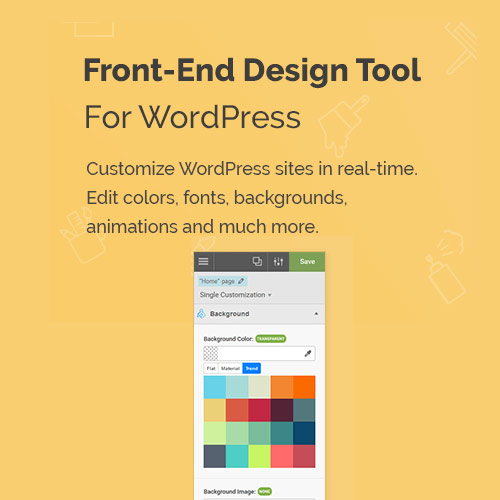
Yellow Pencil is a visual CSS editor for WordPress. Click any element on your site to change its colors, fonts, spacing, and layout without writing CSS.
| Version | 7.6.7 |
|---|---|
| Last Updated | July 7, 2025 |
| Type | WordPress Plugin |
| License | GPL v2 or later |
| Live Demo | View demo → |
100% GPL · Original files · Unlimited sites
- Original, unmodified files — delivered exactly as distributed by the developer
- GPL licensed — use it on unlimited websites, personal or client
- Free updates — new versions appear here as soon as they are released
- Verified downloads — every file is integrity-checked (SHA-256) before release
Distributed under the GNU General Public License. Not affiliated with the original developer; official support, license keys and developer-hosted services (such as one-click updates) are available only from the developer.
Secure checkout with PayPal · GPL licensed · Instant download
Description
Yellow Pencil is a WordPress plugin that works as a visual CSS style editor. You customize any element on your site by clicking on it, and you can edit colors, fonts, spacing, and layout without writing CSS code.
Key Features
- Click-to-edit styling – Select any element on your site by clicking it, then style that element directly.
- No CSS coding – Adjust your site's appearance through the visual editor instead of writing CSS by hand.
- Color editing – Change the colors of the elements you select on your site.
- Font editing – Change the fonts used by the elements you select on your site.
- Spacing editing – Adjust the spacing of the elements you select on your site.
- Layout editing – Change the layout of the elements you select on your site.
Who Is It For
This plugin is for WordPress site owners and administrators who want to change how their site looks without writing CSS. It suits people working in the WordPress admin area who prefer a visual, click-based way to style elements.







