


WP Offload Media
$4.99 Free for Members
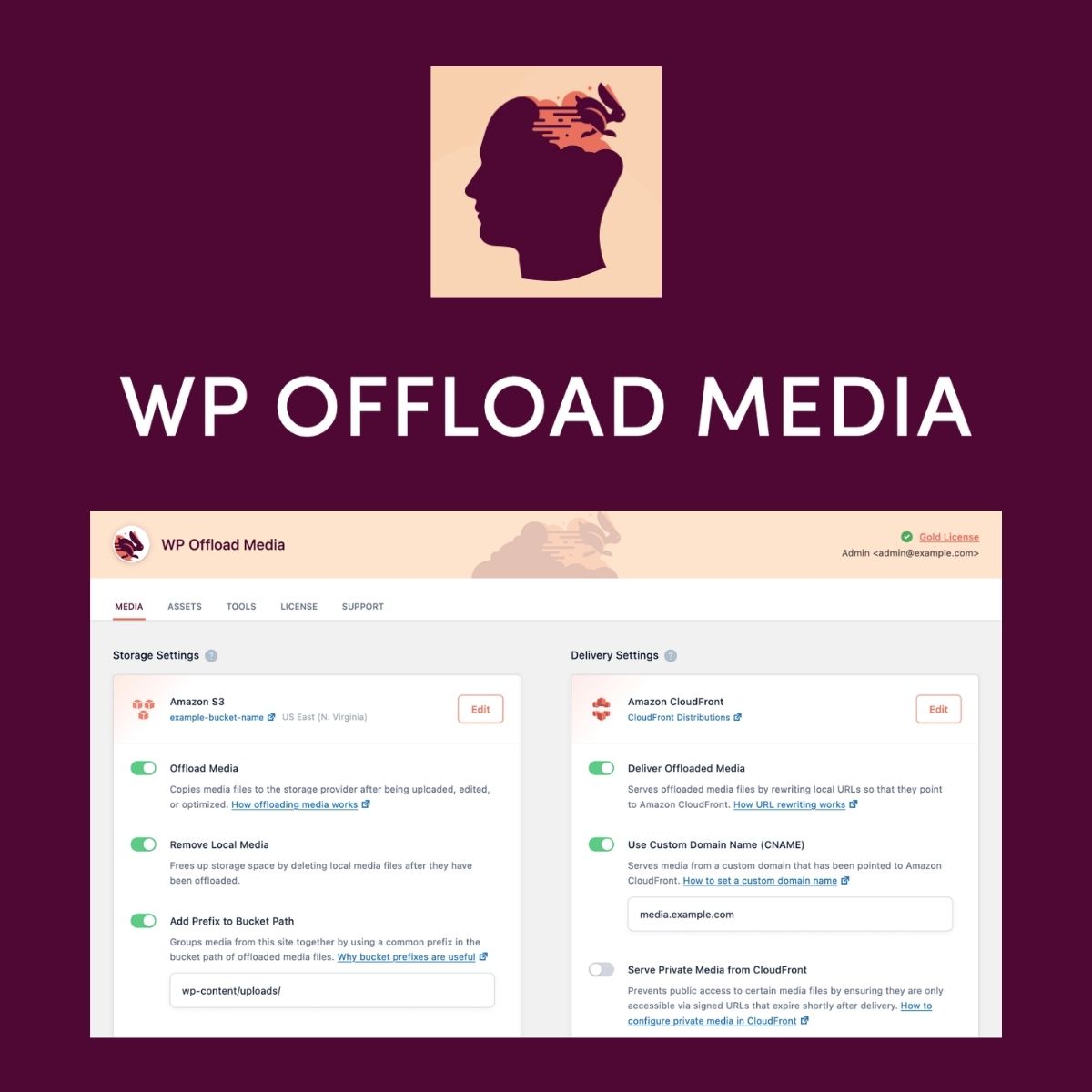
WP Offload Media stores your WordPress media files and assets in cloud storage and serves them from a CDN, reducing server requests and speeding up page loads.
| Version | 3.4.3 |
|---|---|
| Last Updated | September 21, 2026 |
| Type | WordPress Plugin |
| License | GPL v2 or later |
| Live Demo | View demo → |
100% GPL · Original files · Unlimited sites
- Original, unmodified files — delivered exactly as distributed by the developer
- GPL licensed — use it on unlimited websites, personal or client
- Free updates — new versions appear here as soon as they are released
- Verified downloads — every file is integrity-checked (SHA-256) before release
Distributed under the GNU General Public License. Not affiliated with the original developer; official support, license keys and developer-hosted services (such as one-click updates) are available only from the developer.
Secure checkout with PayPal · GPL licensed · Instant download
Description
WP Offload Media is a WordPress plugin that copies your media library and assets to cloud storage such as Amazon S3, DigitalOcean Spaces, or Google Cloud Storage. It then serves those files from a CDN, so your server handles fewer media requests. You can also have local files removed from the server after they are offloaded.
Key Features
- Automatic Cloud Offloading – Your media files are copied to the cloud storage you choose without manual uploads.
- CDN Delivery – Media and asset files are served through a CDN instead of your origin server.
- Offload Existing Library – You can push your whole existing Media Library to the cloud in the background with one click.
- Manage From Media Library – Bulk actions in the Media Library let you upload, remove, or copy files back to the server.
- Private Media Restriction – Some files can be kept restricted while others stay public when served through a CDN.
- Shared Media Across Environments – Multiple sites can read and write from the same storage bucket, so media does not need syncing.
- Load Balanced Sites – Offloading the Media Library to cloud storage solves media being stuck on one server in a load-balanced setup.
Who Is It For
This plugin suits WordPress site owners and developers whose sites have large media libraries or high traffic and who want to cut server load and deliver files faster. It also fits teams running load-balanced setups or multiple environments that need to share one media library.







