


PublishPress Blocks Pro

$4.99 Free for Members
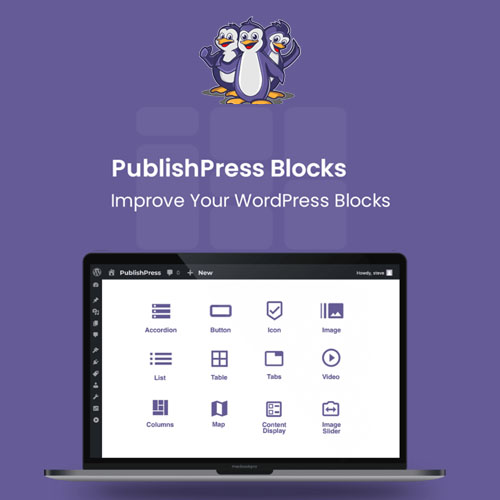
PublishPress Blocks Pro adds over 20 extra blocks to the WordPress block editor, plus block permissions, custom block styles, and controls for scheduling and restricting when blocks appear.
| Version | 3.7.6 |
|---|---|
| Last Updated | September 10, 2026 |
| Type | WordPress Plugin |
| License | GPL v2 or later |
| Live Demo | View demo → |
100% GPL · Original files · Unlimited sites
- Original, unmodified files — delivered exactly as distributed by the developer
- GPL licensed — use it on unlimited websites, personal or client
- Free updates — new versions appear here as soon as they are released
- Verified downloads — every file is integrity-checked (SHA-256) before release
Distributed under the GNU General Public License. Not affiliated with the original developer; official support, license keys and developer-hosted services (such as one-click updates) are available only from the developer.
Secure checkout with PayPal · GPL licensed · Instant download
Description
PublishPress Blocks Pro is a WordPress plugin that expands the block editor with additional blocks and configuration options. It lets you manage who can use each block, create reusable styles, and control when and to whom blocks are shown. It also includes blocks for content display, accordions, tabs, sliders, and more.
Key Features
- Block Permissions – You can turn individual blocks on or off for each user role, including the default WordPress blocks.
- Over 20 Extra Blocks – The plugin adds more than twenty blocks, covering accordions, tabs, sliders, buttons, icons, and content displays.
- Custom Block Styles – You can build your own styles for blocks and make them available to the people editing content.
- Block Controls – Blocks can be scheduled to appear at set times and limited to certain user roles or viewing conditions.
- Block Usage Scan – A scan of your posts shows where each block is used, so you can find and change individual instances.
- Reusable Blocks – A submenu lets you manage reusable blocks, so a block created once can be placed in several spots.
- Auto-Insert Blocks – Reusable blocks can be added into posts automatically based on position, categories, tags, and other criteria.
Who Is It For
This plugin is aimed at WordPress site builders, agencies, and content teams who work in the block editor and need more blocks plus control over who can use them and when they appear. It suits sites that publish structured content such as posts, pages, and custom post types.







