


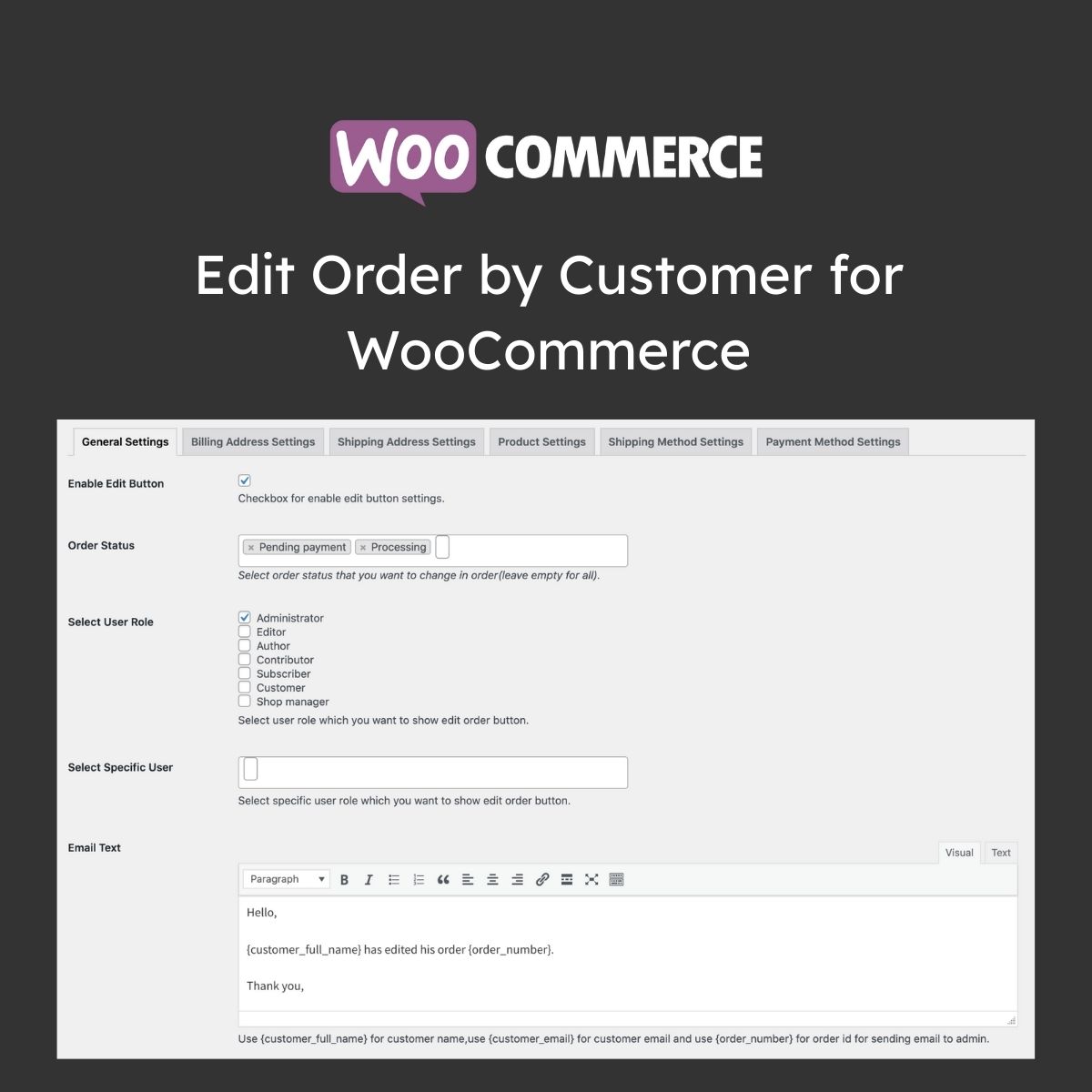
Edit Order by Customer for WooCommerce

$4.99 Free for Members
Edit Order by Customer for WooCommerce lets customers change billing and shipping addresses, products, payment and shipping methods on placed orders, based on their user role and the order’s current status.
| Version | 1.1.5 |
|---|---|
| Last Updated | August 15, 2026 |
| Type | WordPress Plugin |
| License | GPL v2 or later |
| Live Demo | View demo → |
100% GPL · Original files · Unlimited sites
- Original, unmodified files — delivered exactly as distributed by the developer
- GPL licensed — use it on unlimited websites, personal or client
- Free updates — new versions appear here as soon as they are released
- Verified downloads — every file is integrity-checked (SHA-256) before release
Distributed under the GNU General Public License. Not affiliated with the original developer; official support, license keys and developer-hosted services (such as one-click updates) are available only from the developer.
Secure checkout with PayPal · GPL licensed · Instant download
Description
Edit Order by Customer for WooCommerce is a plugin that gives customers the ability to modify orders they have already placed. Store owners decide which details can be changed according to user role and order status, and admins receive an email when an order is edited.
Key Features
- Customer order editing – Customers can change the details of an order they have already placed, within the limits you set.
- Role and status rules – You decide which customers can edit an order based on their user role and the order's current status.
- Billing address editing – Customers can update the billing address on an order, with all or only selected fields made editable.
- Shipping address editing – Shipping address fields can be made editable, and you can turn off editing for zip codes, countries, and cities to avoid extra shipping costs.
- Product editing – When product editing is enabled, customers can remove items and add new products to the order through the Add Product popup.
- Payment and shipping methods – Selected payment methods and shipping methods can be made editable based on the order's current status.
- Admin email notifications – The store admin gets an automatic email with the new order details whenever a customer edits an order.
- Edit from My Account – Customers start an edit by clicking the Edit Order button in the orders grid on the My Account page.
Who Is It For
This extension is aimed at WooCommerce store owners who want customers to be able to adjust an order after placing it, including B2B shops where buyers place large orders and need to make changes before paying.







