


DiviLife – Divi Mega Pro
$4.99 Free for Members
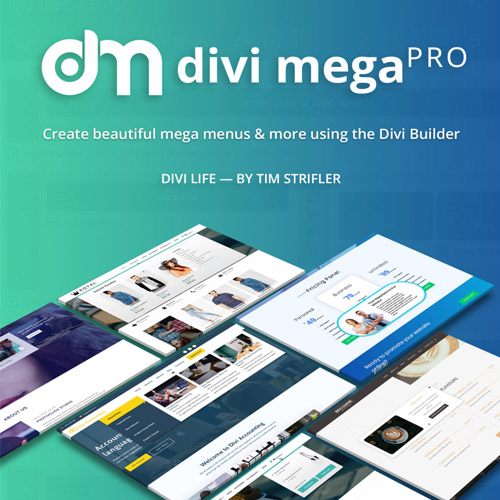
Divi Mega Pro adds a visual mega menu and mega tooltip builder to the Divi theme, letting you design multi-column dropdowns with Divi modules and design tools.
| Version | 1.9.8.9 |
|---|---|
| Last Updated | December 11, 2025 |
| Type | WordPress Plugin |
| License | GPL v2 or later |
| Live Demo | View demo → |
100% GPL · Original files · Unlimited sites
- Original, unmodified files — delivered exactly as distributed by the developer
- GPL licensed — use it on unlimited websites, personal or client
- Free updates — new versions appear here as soon as they are released
- Verified downloads — every file is integrity-checked (SHA-256) before release
Distributed under the GNU General Public License. Not affiliated with the original developer; official support, license keys and developer-hosted services (such as one-click updates) are available only from the developer.
Secure checkout with PayPal · GPL licensed · Instant download
Description
Divi Mega Pro is a WordPress plugin that brings a mega menu and mega tooltip builder to the Divi theme. You create menus and tooltips as custom post types and design them with the Divi Builder, using its modules and design settings. Menus and tooltips can be triggered from your navigation or from elements elsewhere on the page.
Key Features
- Visual Divi Builder design – You build mega menus and mega tooltips inside the Divi Builder, so the content and layout are designed visually rather than through code.
- Multi-column mega menus – Menus can hold multi-column dropdown content instead of plain text links.
- Mega Tooltips – Mega Tooltips are hover or click popups that show extra content while the visitor stays on the same page.
- Unlimited menus and tooltips – Because menus and tooltips are stored as custom post types, you can create as many as you need for a site.
- Divi modules inside menus – You can place Divi's built-in modules, third-party modules, and content from other WordPress plugins inside a mega menu.
- Divi design tools – Gradients, box shadows, and other Divi design settings can be applied to menus and tooltips without custom coding.
- Flexible trigger elements – A menu or tooltip can be opened from a menu item or from other page elements such as text links, buttons, and images, by adding a CSS class.
- Hover or click triggers – Each trigger can be set to open on hover or on click.
Who Is It For
This plugin is for Divi theme users who want richer navigation and on-page content than standard dropdown menus allow. It suits site owners and designers building menus that include forms, products, or other module-based content, and who prefer to work inside the Divi Builder.







