CommandUI
$4.99 Free for Members
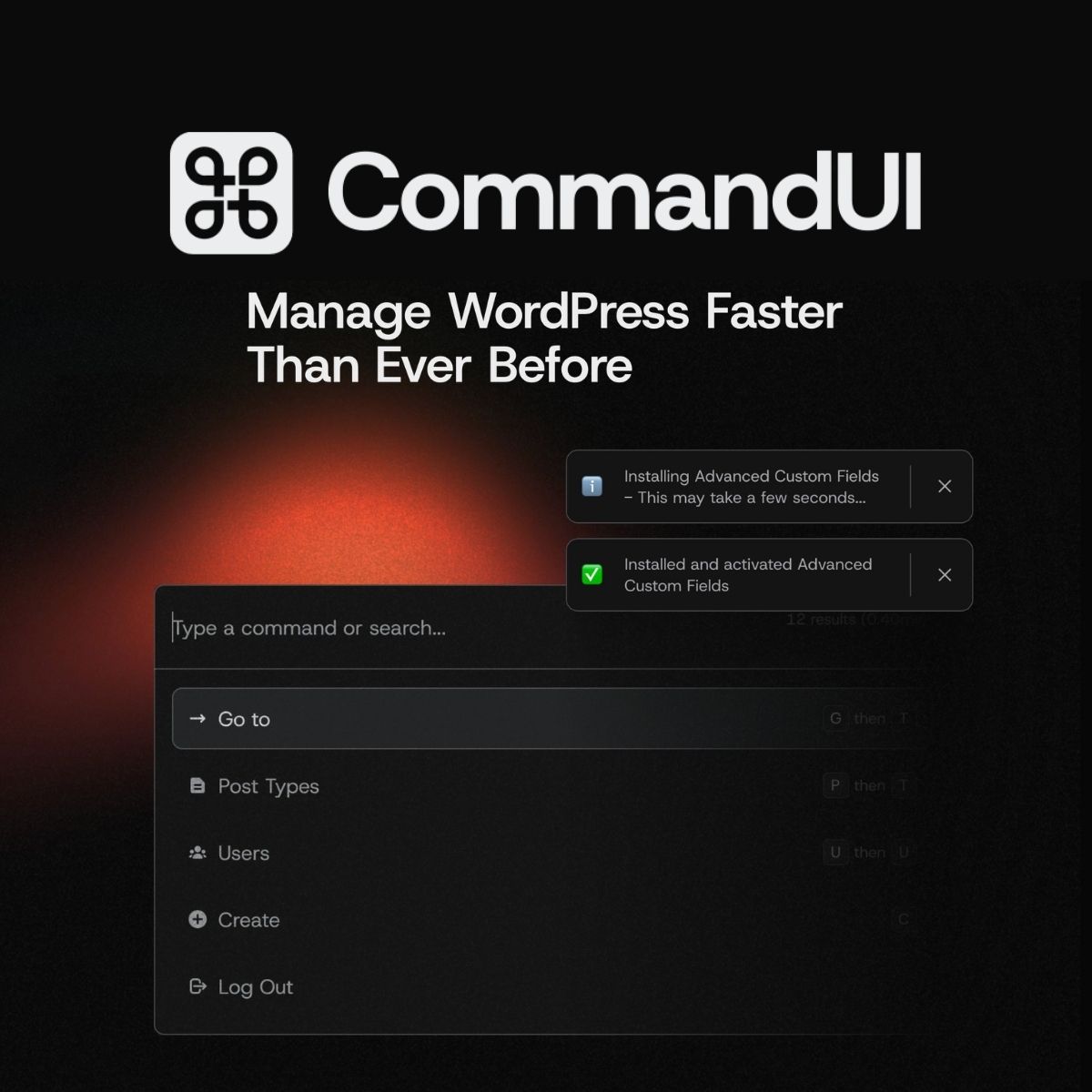
CommandUI is a WordPress command palette plugin that lets you navigate the admin, search content, install plugins, and create posts using keyboard shortcuts.
| Version | 1.11.0 |
|---|---|
| Last Updated | October 10, 2026 |
| Type | WordPress Plugin |
| License | GPL v2 or later |
| Live Demo | View demo → |
100% GPL · Original files · Unlimited sites
- Original, unmodified files — delivered exactly as distributed by the developer
- GPL licensed — use it on unlimited websites, personal or client
- Free updates — new versions appear here as soon as they are released
- Verified downloads — every file is integrity-checked (SHA-256) before release
Distributed under the GNU General Public License. Not affiliated with the original developer; official support, license keys and developer-hosted services (such as one-click updates) are available only from the developer.
Secure checkout with PayPal · GPL licensed · Instant download
Description
CommandUI adds a keyboard-driven command bar to WordPress so you can move around the admin and get tasks done without clicking through menus. It searches posts, pages, users, media, and plugins, and can install or activate plugins from the same bar. It also works in the Gutenberg editor, page builders, and on the frontend.
Key Features
- Keyboard Command Palette – Open a command bar with a keyboard shortcut to reach any admin page without navigating menus.
- Typo-Tolerant Content Search – Find posts, pages, plugins, users, and media quickly even if you make small typing mistakes.
- Plugin Management Inline – Search the plugin repository and install, activate, or deactivate plugins without leaving the command bar.
- Content Creation Shortcut – Start a new post or page for any post type directly from the command bar.
- Customizable Keyboard Shortcuts – Adjust the key combinations to match how you prefer to work.
- Works Across Admin And Frontend – Use the command bar in the WordPress admin, Gutenberg editor, page builders, and on the frontend of your site.
- Light And Dark Modes – Switch between light and dark appearances for the command bar.
- Permission-Aware Commands – The available commands adjust automatically based on the current user's permissions.
Who Is It For
This plugin is for WordPress administrators, editors, and power users who manage sites and prefer keyboard shortcuts over mouse navigation. It is especially useful for those running large sites with many posts, pages, users, or plugins, where menu navigation and page loads slow down daily work.