


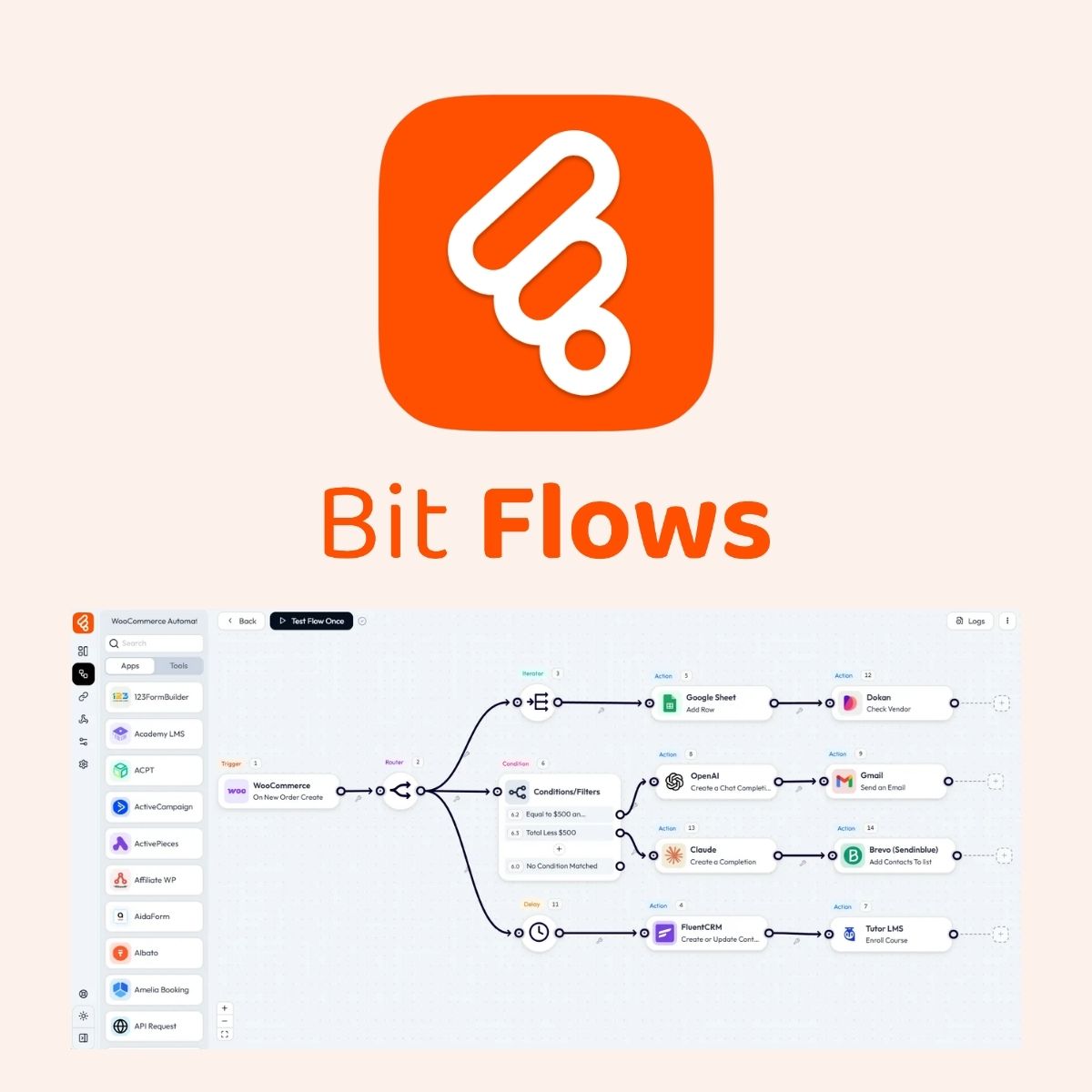
Bit Flows Pro
$4.99 Free for Members
Bit Flows Pro is a self-hosted WordPress automation plugin with a drag-and-drop visual builder. It connects your site to 318+ platforms and supports unlimited workflows, tasks, and steps.
| Version | 1.30.0 |
|---|---|
| Last Updated | September 26, 2026 |
| File Size | 6.4 MB |
| Type | WordPress Plugin |
| License | GPL v2 or later |
| Live Demo | View demo → |
100% GPL · Original files · Unlimited sites
- Original, unmodified files — delivered exactly as distributed by the developer
- GPL licensed — use it on unlimited websites, personal or client
- Free updates — new versions appear here as soon as they are released
- Verified downloads — every file is integrity-checked (SHA-256) before release
Distributed under the GNU General Public License. Not affiliated with the original developer; official support, license keys and developer-hosted services (such as one-click updates) are available only from the developer.
Secure checkout with PayPal · GPL licensed · Instant download
Description
Bit Flows Pro is a WordPress plugin for building workflow automation without writing code. You assemble triggers, actions, conditions, and AI tools on a visual drag-and-drop canvas. It connects your site to a large set of external platforms and lets you run as many workflows as you need.
Key Features
- Visual Drag-and-Drop Builder – Workflows are assembled on a visual canvas by dragging and dropping steps, so no coding knowledge is required.
- 318+ Platform Integrations – The plugin connects your WordPress site to more than 318 apps and services for triggers and actions.
- Unlimited Workflows and Tasks – You can create as many workflows, tasks, and steps as your processes require, without fixed caps.
- AI Agent – An included AI Agent reads data, understands context, and produces workflow outputs using connected models, prompts, and mapped fields.
- Conditional Logic – Conditions check data before the next step runs, so each path continues, stops, or branches based on values such as status, amount, or role.
- Router Branching – A router splits one workflow into separate paths based on rules, sending leads, orders, or form entries to the right app.
- Loops and Iterators – Repeater/Loop reruns a set of steps until the job is done, and an iterator processes a list one item at a time.
- Scheduled Workflows – Schedule starts a workflow at a fixed time or repeat interval, such as daily, weekly, or monthly, without waiting for a form or webhook.
Who Is It For
This plugin is aimed at WordPress site owners and administrators who want to automate repetitive tasks and connect their site to other services without coding. Its stated uses range from eCommerce to marketing automation, and it suits users who prefer to keep automation inside their own WordPress installation.







