


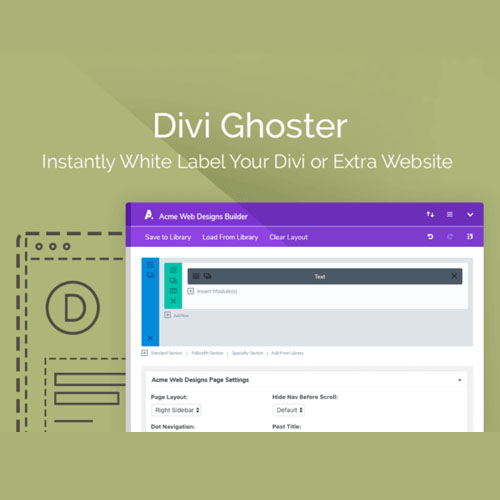
AGS: Divi Ghoster
$4.99 Free for Members
Divi Ghoster is a WordPress plugin that white-labels the Divi or Extra theme and the Divi Builder, letting you replace branding, hide menu items, and customize the dashboard.
| Version | 5.0.58 |
|---|---|
| Last Updated | October 16, 2025 |
| Type | WordPress Plugin |
| License | GPL v2 or later |
| Live Demo | View demo → |
100% GPL · Original files · Unlimited sites
- Original, unmodified files — delivered exactly as distributed by the developer
- GPL licensed — use it on unlimited websites, personal or client
- Free updates — new versions appear here as soon as they are released
- Verified downloads — every file is integrity-checked (SHA-256) before release
Distributed under the GNU General Public License. Not affiliated with the original developer; official support, license keys and developer-hosted services (such as one-click updates) are available only from the developer.
Secure checkout with PayPal · GPL licensed · Instant download
Description
Divi Ghoster is a WordPress plugin for white-labeling the Divi or Extra theme and the Divi Builder. It lets you change the theme name, logo, and slug, hide Divi-related plugins and menu items, and customize the WordPress login page and dashboard. It is aimed at agencies and freelancers who want to hand off client sites without visible Divi branding.
Key Features
- Rebrand Theme Identity – You can replace the Divi or Extra theme name, swap the author, and set a custom thumbnail so the theme looks like your own.
- Change Theme Slug – Editing the theme slug means anyone viewing your site's source code sees your custom text instead of Divi or Extra.
- Hide Divi Menu Items – You can turn off Divi menu entries your clients or team do not need, such as Theme Options, Theme Builder, and Divi Library.
- Hide Divi Plugins – Divi-related plugins, including Divi Ghoster itself, can be hidden from view in the dashboard.
- Custom Login Page – The WordPress login screen can be given your own branding, with a logo, background image, and a masked login URL.
- Hide WordPress Menus – Beyond Divi, you can remove default WordPress admin menus such as Appearance, Settings, Tools, Plugins, and Updates.
- Hide WordPress Logo – The plugin can remove the default WordPress logo and the footer credit line shown on admin pages.
- Custom Builder Colors – You can recolor the backend page builder, visual builder, theme options, and role editor using a color selector or hex values.
Who Is It For
This plugin is for agencies, freelancers, and developers who build client or member sites with Divi or Extra and want to deliver them without visible Divi branding. It suits those who need to rebrand the WordPress admin and login experience before handing a site over.







