


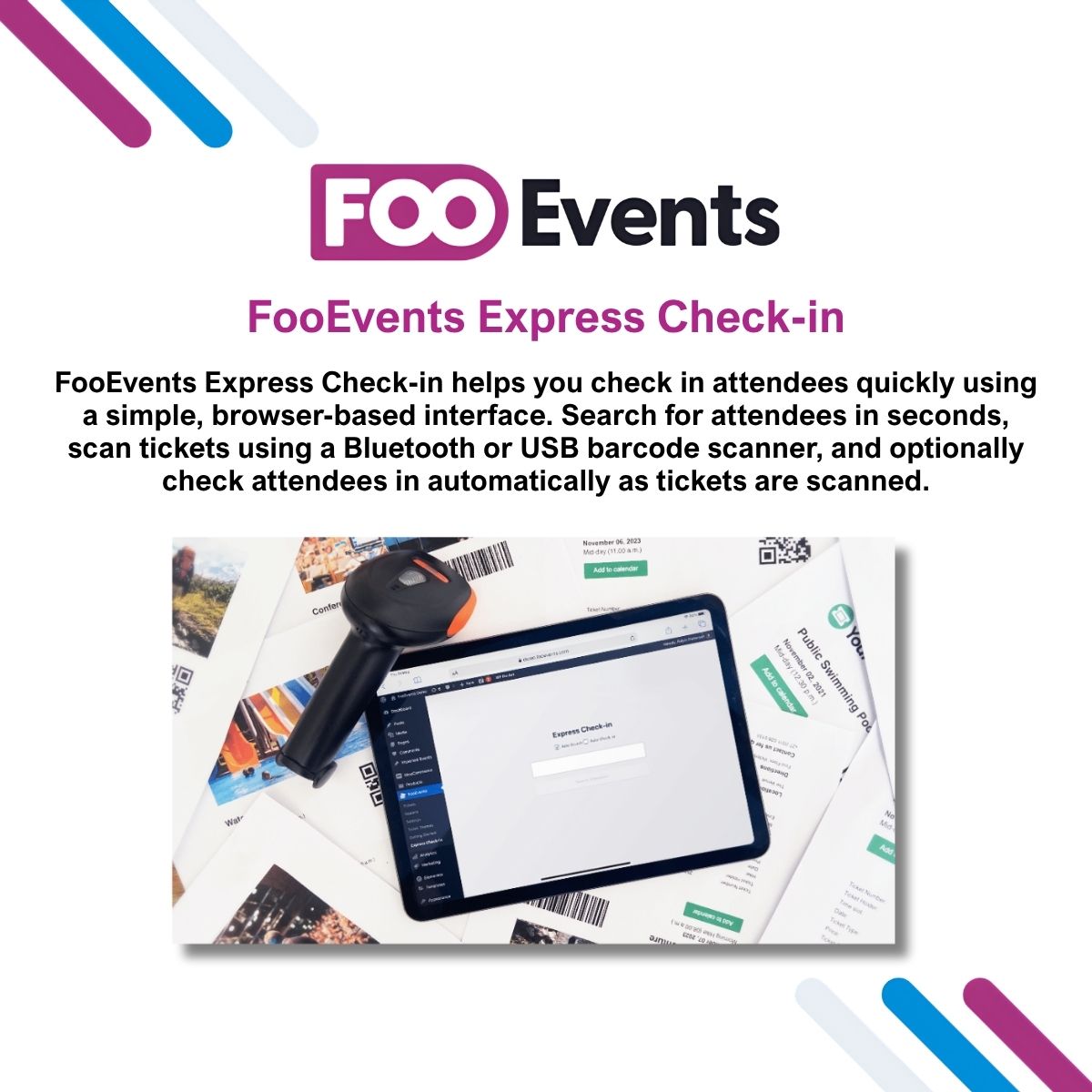
FooEvents Express Check-in


$4.99 Free for Members
FooEvents Express Check-in is a browser-based extension for FooEvents that lets event staff search live ticket data, scan barcodes, and check attendees in quickly.
| Version | 2.0.4 |
|---|---|
| Last Updated | August 19, 2026 |
| Type | WordPress Plugin |
| License | GPL v2 or later |
| Live Demo | View demo → |
100% GPL · Original files · Unlimited sites
- Original, unmodified files — delivered exactly as distributed by the developer
- GPL licensed — use it on unlimited websites, personal or client
- Free updates — new versions appear here as soon as they are released
- Verified downloads — every file is integrity-checked (SHA-256) before release
Distributed under the GNU General Public License. Not affiliated with the original developer; official support, license keys and developer-hosted services (such as one-click updates) are available only from the developer.
Secure checkout with PayPal · GPL licensed · Instant download
Description
FooEvents Express Check-in is an extension for FooEvents that handles attendee check-in through a browser-based interface. Staff can search live ticket data from the website, scan tickets with a USB or Bluetooth barcode scanner, and optionally check attendees in automatically as tickets are scanned. It runs on phones, tablets, laptops, and desktops without a dedicated check-in app.
Key Features
- Browser-Based Check-In – Event staff check attendees in through a web browser rather than a separate check-in application.
- Live Ticket Search – Staff can look up attendees by searching current ticket data pulled from the website.
- Barcode Scanner Support – Tickets can be scanned with USB or Bluetooth barcode scanners for faster validation.
- Automatic Check-Ins – Attendees can be marked as checked in automatically when their ticket is scanned, cutting down entry time.
- QR Code Check-In – Express Check-in works with ticket QR codes to validate tickets and mark attendees as checked in on arrival.
- No App Required – Check-in happens in the browser, so teams do not need to install the FooEvents check-in apps.
- Cross-Device Use – The same check-in workflow works on phones, tablets, laptops, and desktop computers.
- Duplicate Check-In Prevention – Ticket status is validated during check-in so tickets already used can be spotted and duplicate entry reduced.
Who Is It For
This extension is for event organizers and door staff who already use FooEvents for WooCommerce and want a quick way to check attendees in. It suits teams handling entry at events, including large ones where fast validation matters, and works for staff on phones, tablets, laptops, or desktops.







