

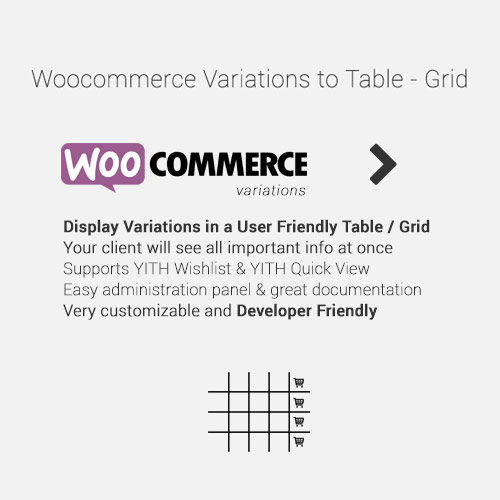
WooCommerce Variations to Table – Grid
$4.99 Free for Members
WooCommerce Variations to Table shows product variations in a table or grid layout instead of dropdown selectors, so shoppers can see every variation at once with its own add-to-cart button.
| Version | 1.5.12 |
|---|---|
| Last Updated | August 31, 2026 |
| Type | WordPress Plugin |
| License | GPL v2 or later |
| Live Demo | View demo → |
100% GPL · Original files · Unlimited sites
- Original, unmodified files — delivered exactly as distributed by the developer
- GPL licensed — use it on unlimited websites, personal or client
- Free updates — new versions appear here as soon as they are released
- Verified downloads — every file is integrity-checked (SHA-256) before release
Distributed under the GNU General Public License. Not affiliated with the original developer; official support, license keys and developer-hosted services (such as one-click updates) are available only from the developer.
Secure checkout with PayPal · GPL licensed · Instant download
Description
This WordPress plugin changes how variable products appear in a WooCommerce store. Rather than hiding variations behind dropdown selectors, it lays them out in an organized table or grid. Each variation is visible at once and comes with its own add-to-cart button.
Key Features
- Table or grid layout – Variations are arranged in a table or grid rather than a dropdown, so the whole set is visible in one place.
- All variations visible – Shoppers can see every variation of a product at the same time without opening a selector.
- Add-to-cart per variation – Each variation in the table or grid carries its own add-to-cart button.
Who Is It For
Store owners running WooCommerce shops with variable products, such as clothing or size- and color-based catalogs, who want variations presented openly in a table or grid instead of dropdown selectors.