
JetFormBuilder


$4.99 Free for Members
JetFormBuilder is a WordPress form builder for creating simple and multi-step forms in the Block editor, with an AI form generator and flexible after-submit actions.
| Version | 3.6.8.3 |
|---|---|
| Last Updated | November 26, 2026 |
| Type | WordPress Plugin |
| License | GPL v2 or later |
| Live Demo | View demo → |
100% GPL · Original files · Unlimited sites
- Original, unmodified files — delivered exactly as distributed by the developer
- GPL licensed — use it on unlimited websites, personal or client
- Free updates — new versions appear here as soon as they are released
- Verified downloads — every file is integrity-checked (SHA-256) before release
Distributed under the GNU General Public License. Not affiliated with the original developer; official support, license keys and developer-hosted services (such as one-click updates) are available only from the developer.
Secure checkout with PayPal · GPL licensed · Instant download
Description
JetFormBuilder is a WordPress plugin for building forms inside the Block editor, with styling available in Elementor and Bricks. It supports multi-step forms, conditional logic, calculations, and a range of after-submit actions. An AI form generator can create forms from a text prompt.
Key Features
- Block editor forms – Forms are created directly in the WordPress Block editor, so you build and arrange fields in the same editing environment you use for posts and pages.
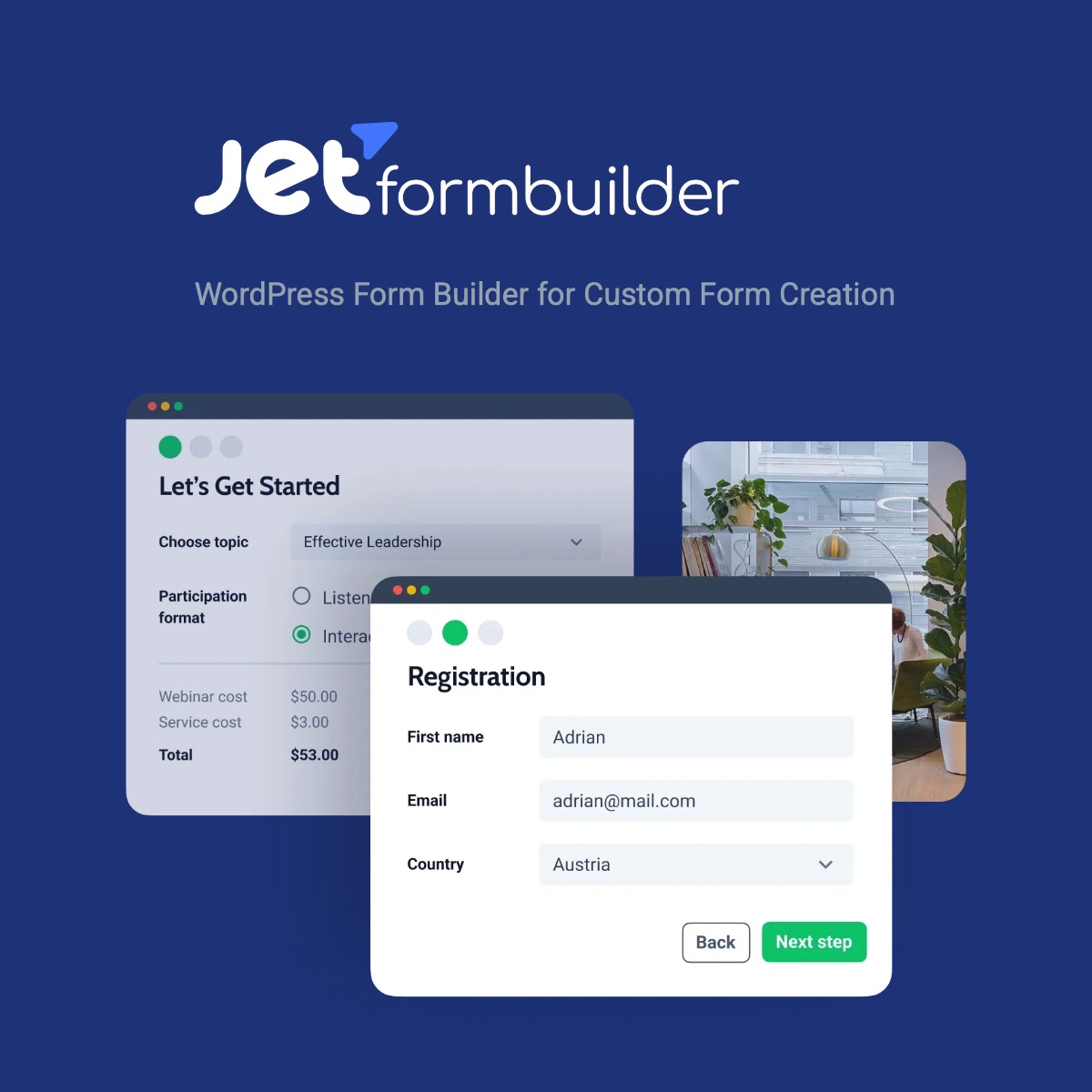
- Multi-step forms – Long forms can be split into several steps, which lets you track how far people get through the form and keeps each screen less crowded.
- Conditional logic and calculations – Fields can appear or disappear based on what the visitor selects, and the form can run calculations from the entered values.
- AI form generator – You describe the form you need in a text prompt and the plugin generates it automatically, without building each field by hand.
- After-submit actions – Once a form is submitted, you can set up automated follow-up actions such as sending an email or redirecting the visitor.
- User login and registration – Forms can handle account creation and sign-in, along with verification and password reset, instead of relying on the default WordPress screens.
- Front-end content editing – Visitors can add and edit content from the front end through forms, including user profiles and custom post type entries.
- PDF form generation – After a form is submitted, the plugin can produce a PDF file that can be attached to the notification email.
Who Is It For
This plugin is aimed at WordPress site owners and developers who want to build contact, registration, application, or order forms inside the Block editor. It suits projects that need multi-step layouts, conditional fields, or front-end content submission, and teams already using Gutenberg, Elementor, or Bricks.