
Archive Master Pro
$4.99 Free for Members
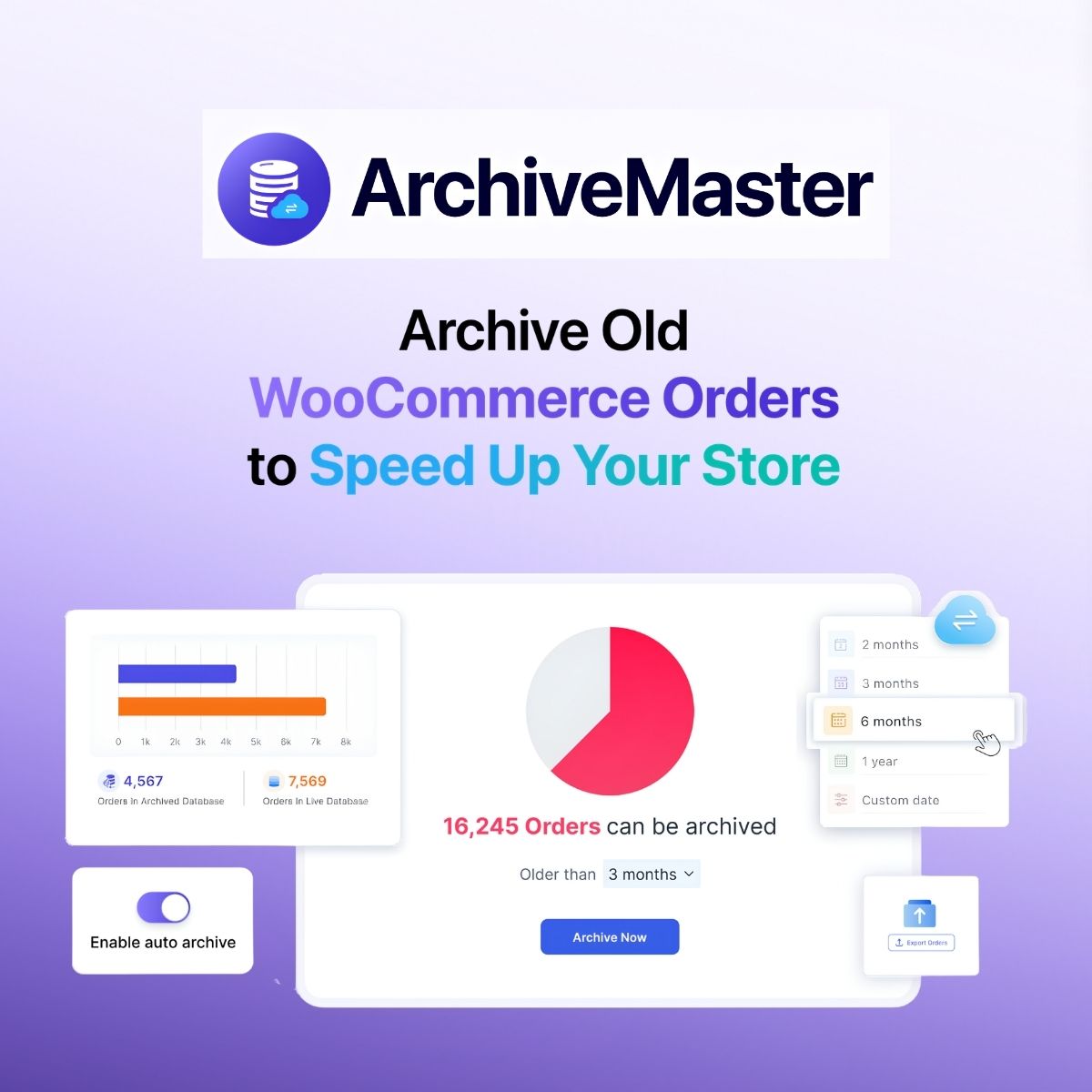
ArchiveMaster moves old WooCommerce orders to a remote database so your store stays fast and your database stays lean. Archived orders remain viewable, exportable, and restorable.
| Version | 1.13.3 |
|---|---|
| Last Updated | October 14, 2026 |
| Type | WordPress Plugin |
| License | GPL v2 or later |
| Live Demo | View demo → |
100% GPL · Original files · Unlimited sites
- Original, unmodified files — delivered exactly as distributed by the developer
- GPL licensed — use it on unlimited websites, personal or client
- Free updates — new versions appear here as soon as they are released
- Verified downloads — every file is integrity-checked (SHA-256) before release
Distributed under the GNU General Public License. Not affiliated with the original developer; official support, license keys and developer-hosted services (such as one-click updates) are available only from the developer.
Secure checkout with PayPal · GPL licensed · Instant download
Description
ArchiveMaster is a WordPress plugin that archives old WooCommerce orders and other post types to a remote database, reducing database clutter and improving store speed. It supports scheduled automatic archiving, cloud or local storage options, and lets you view, export, or unarchive orders from the WordPress dashboard.
Key Features
- Archive Old Orders – Move old WooCommerce orders out of your live database into secure archive storage to keep your store running faster.
- Auto-Archive Scheduling – Set up automated schedules to archive old orders at intervals like 7 days, 1 month, or 3 months, so your database stays optimized without manual work.
- Cloud & Remote Storage – Choose where archived data is stored, including remote databases like Amazon RDS or local SQLite files on your server.
- View & Unarchive Orders – After archiving, you can still view and manage old orders from the Archive Orders page and bring them back into WooCommerce with a conflict-free unarchive process.
- Export Orders to CSV – Download all or selected WooCommerce orders into a CSV file to use as a backup.
- Status-Based Archiving – Select specific order statuses to archive, giving you precise control over which orders are moved.
- Smart Archive Filters – Filter archived orders by date, day, or order status to find exactly what you need.
- Subscription Order Protection – Active subscription and membership orders are automatically excluded from archiving to prevent payment system breaks.
Who Is It For
This plugin is for WooCommerce store owners and administrators who need to manage growing order data, improve site performance, and keep their database lean while retaining access to order history for compliance or customer service.