


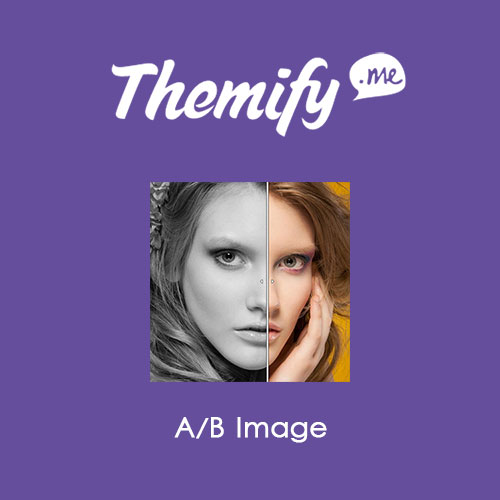
Themify Builder AB Image

$4.99 Free for Members
A Themify Builder add-on that lets visitors compare two images with a draggable slider. It is built for before-and-after or version comparisons.
| Version | 3.5.5 |
|---|---|
| Last Updated | June 16, 2026 |
| Type | WordPress Plugin |
| License | GPL v2 or later |
| Live Demo | View demo → |
100% GPL · Original files · Unlimited sites
- Original, unmodified files — delivered exactly as distributed by the developer
- GPL licensed — use it on unlimited websites, personal or client
- Free updates — new versions appear here as soon as they are released
- Verified downloads — every file is integrity-checked (SHA-256) before release
Distributed under the GNU General Public License. Not affiliated with the original developer; official support, license keys and developer-hosted services (such as one-click updates) are available only from the developer.
Secure checkout with PayPal · GPL licensed · Instant download
Description
Themify Builder AB Image is an add-on for Themify Builder that places two images together so viewers can compare them. A built-in slide bar with left and right arrows lets visitors drag across the images, either vertically or horizontally, to reveal the full picture or just part of it.
Key Features
- Two-image comparison – You place two images side by side so viewers can compare them directly.
- Draggable slide bar – A built-in slide bar lets visitors drag across the images to control what they see.
- Vertical or horizontal sliding – The slider can be moved either vertically or horizontally, depending on how you want the comparison to work.
- Before-and-after use – The module is intended for showing before-and-after images or two versions of the same image.
- Partial or full view – Visitors can view the entire image or only a portion of it by moving the bar.
- Requires Themify Builder – The add-on needs Themify Builder, working with a current Themify theme or the Builder plugin.
Who Is It For
This add-on is for site owners and builders already using Themify Builder who want to present visual comparisons, such as before-and-after photos or two versions of an image, on their pages.







