


WPDesk – Dropshipping Orders Export for WooCommerce

$4.99 Free for Members
Export WooCommerce orders to CSV, XML, or JSON files. Filter orders with conditional logic, schedule automatic exports, and send generated files by email.
| Version | 1.1.9 |
|---|---|
| Last Updated | September 23, 2026 |
| Type | WordPress Plugin |
| License | GPL v2 or later |
| Live Demo | View demo → |
100% GPL · Original files · Unlimited sites
- Original, unmodified files — delivered exactly as distributed by the developer
- GPL licensed — use it on unlimited websites, personal or client
- Free updates — new versions appear here as soon as they are released
- Verified downloads — every file is integrity-checked (SHA-256) before release
Distributed under the GNU General Public License. Not affiliated with the original developer; official support, license keys and developer-hosted services (such as one-click updates) are available only from the developer.
Secure checkout with PayPal · GPL licensed · Instant download
Description
This WooCommerce plugin exports your store's orders as CSV, XML, or JSON files. You can decide which orders are included using conditional logic, and which order fields appear in the file. Scheduled exports and automatic email delivery let the plugin handle recurring order data transfers.
Key Features
- Multiple Export Formats – You can save order data as a CSV, XML, or JSON file, depending on what your supplier or fulfillment partner needs.
- Conditional Order Filtering – Orders are exported only when they match conditions you set, such as status, currency, total amount, creation date, or product category and tag.
- Scheduled Automatic Exports – You can set up a cron schedule so order exports run automatically instead of being triggered by hand.
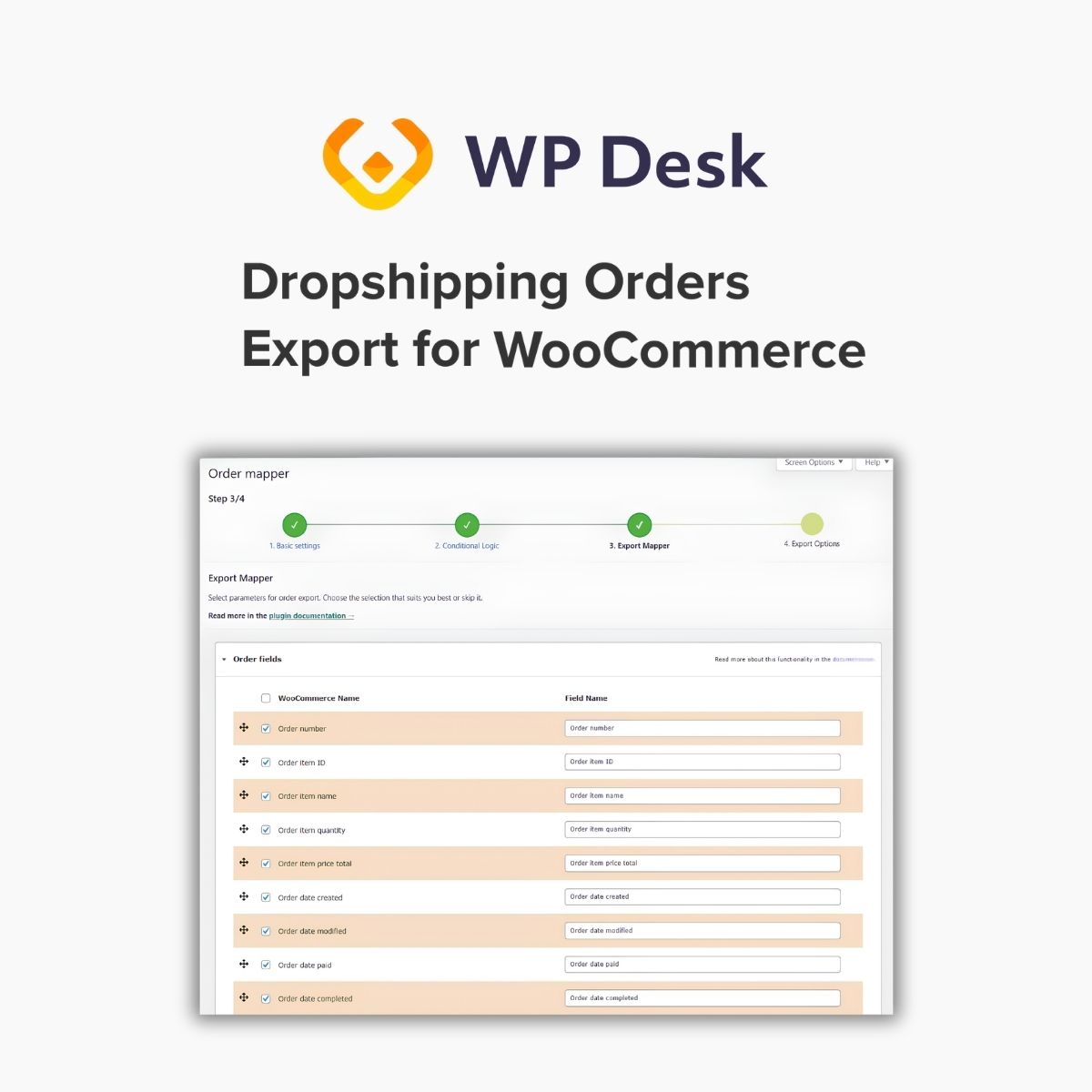
- Field Selection and Renaming – A table lists every exportable order field; you can uncheck fields you don't want and give exported fields your own names.
- Field Sorting – The order of fields in the exported file can be arranged to match your supplier's expected layout.
- Automatic Email Delivery – Once a file is generated, the plugin can send it in an email using a template you customize.
- Server File Location – You choose which folder on your server the generated export files are saved to.
- Export Manager – A dedicated tab lists all your exports with key statistics and lets you start a new export file from one button.
Who Is It For
It is aimed at WooCommerce store owners who run dropshipping operations and need to pass order details to suppliers, warehouses, or fulfillment partners. It suits shops that want recurring, filtered order exports rather than manual downloads.







