
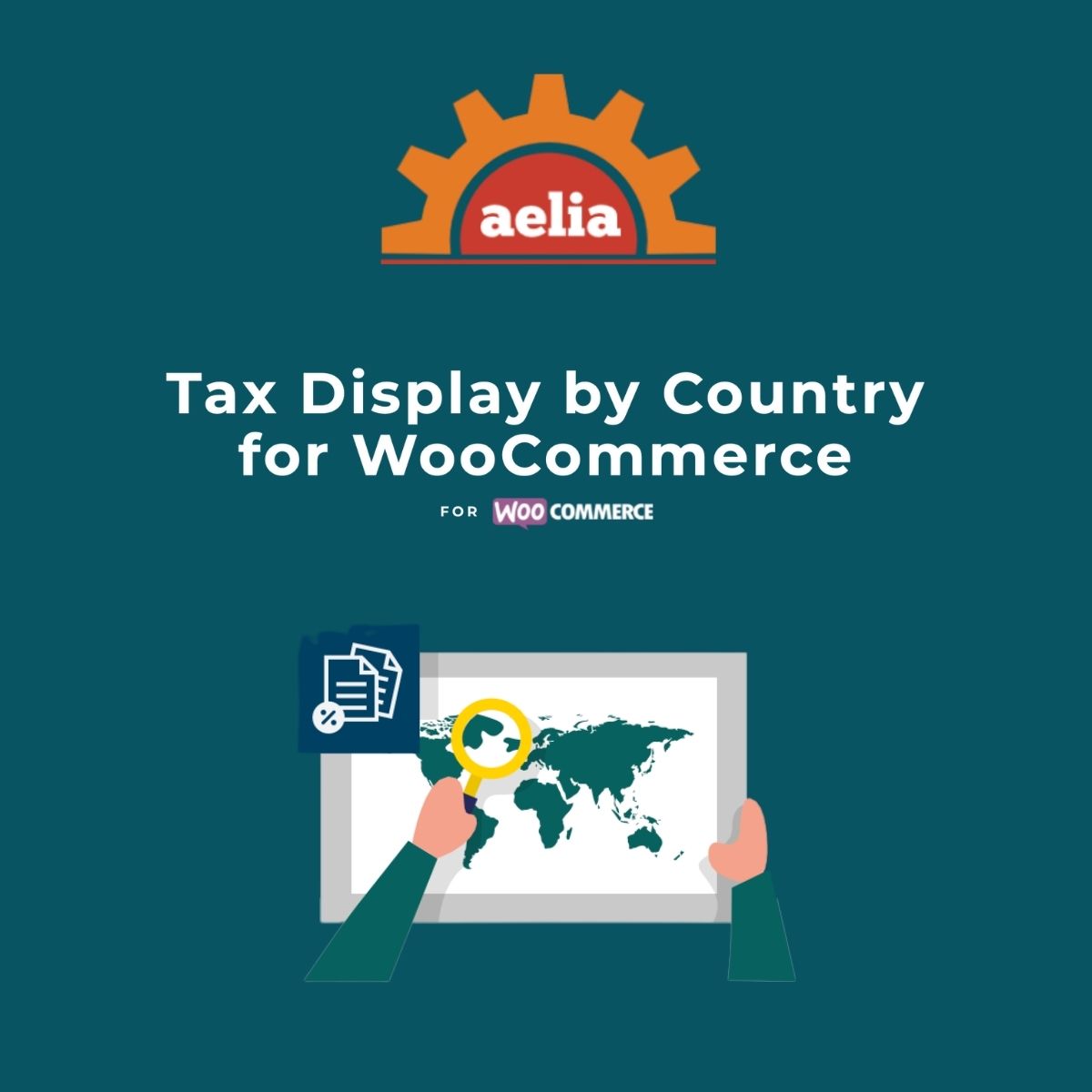
Aelia Tax Display by Country for WooCommerce
$4.99 Free for Members
Aelia Tax Display by Country for WooCommerce shows prices with or without tax based on each visitor’s country, detected automatically by IP geolocation, and pre-selects the checkout country.
| Version | 1.22.3.260518 |
|---|---|
| Last Updated | May 30, 2026 |
| Type | WordPress Plugin |
| License | GPL v2 or later |
| Live Demo | View demo → |
100% GPL · Original files · Unlimited sites
- Original, unmodified files — delivered exactly as distributed by the developer
- GPL licensed — use it on unlimited websites, personal or client
- Free updates — new versions appear here as soon as they are released
- Verified downloads — every file is integrity-checked (SHA-256) before release
Distributed under the GNU General Public License. Not affiliated with the original developer; official support, license keys and developer-hosted services (such as one-click updates) are available only from the developer.
Secure checkout with PayPal · GPL licensed · Instant download
Description
This WooCommerce plugin adjusts how product prices appear depending on where a visitor is located, so international shoppers see tax-inclusive or tax-exclusive amounts that fit their country. It detects the visitor's country through geolocation, fills in the billing and shipping country at checkout, and can also keep prices fixed regardless of the tax rate that applies.
Key Features
- Country-based tax display – You decide for each country whether prices appear with tax or without it, so shoppers see amounts that match their location.
- Automatic country detection – The visitor's country is identified through geolocation, so the correct price display is chosen without any manual step.
- Checkout country pre-selection – The billing and shipping country fields at checkout are filled in ahead of time, reducing mistakes and validation errors.
- Country selection widget – A widget lets visitors pick their billing country themselves before they reach the checkout page.
- Fixed prices – You can hold a price steady, including taxes, so every customer pays the same amount regardless of the tax rate that applies to their order.
- Per-rule price suffix – Each tax display rule can carry its own price suffix, letting you add a short label next to the amount.
- Tax exemption option – Visitors can declare themselves exempt from tax and then always see prices without tax.
Who Is It For
It is aimed at WooCommerce store owners who sell internationally and need prices to reflect the tax rules of each visitor's country. It suits shops that want clearer pricing at checkout and fewer address errors, and it works alongside the Aelia Currency Switcher.