
WooCommerce Bambora (Beanstream)

$4.99 Free for Members
WooCommerce Bambora connects your store to the Bambora (formerly Beanstream) payment gateway for North America, letting customers pay by credit or debit card without leaving your site.
| Version | 2.9.6 |
|---|---|
| Last Updated | August 22, 2026 |
| Type | WordPress Plugin |
| License | GPL v2 or later |
| Live Demo | View demo → |
100% GPL · Original files · Unlimited sites
- Original, unmodified files — delivered exactly as distributed by the developer
- GPL licensed — use it on unlimited websites, personal or client
- Free updates — new versions appear here as soon as they are released
- Verified downloads — every file is integrity-checked (SHA-256) before release
Distributed under the GNU General Public License. Not affiliated with the original developer; official support, license keys and developer-hosted services (such as one-click updates) are available only from the developer.
Secure checkout with PayPal · GPL licensed · Instant download
Description
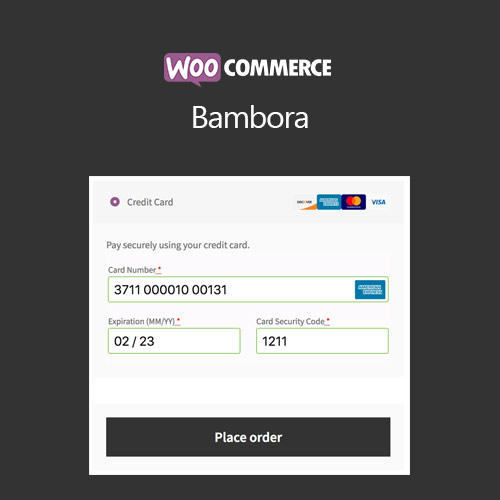
WooCommerce Bambora is a payment gateway extension that links a WooCommerce store to Bambora, previously known as Beanstream, for card processing in North America. Payments are handled on your own site, so the checkout stays under your control and shoppers are not redirected elsewhere. It also covers refunds, saved payment methods, and support for WooCommerce Subscriptions and Pre-Orders.
Key Features
- On-site card checkout – Card payments are completed on your own site, so customers stay in your store through the whole checkout.
- Refunds and voids – Store staff can issue full or partial refunds from the WooCommerce edit order screen, and uncaptured transactions are voided instead.
- Capture authorized charges – If you only authorize payments, you can capture them later from the WooCommerce order screen, including partial captures.
- Saved payment methods – Customers can store payment methods on their account and reuse them at checkout, with the data held on Bambora's servers.
- Add methods without checkout – Shoppers can add a payment method from their account page without placing an order first.
- Nicknames for saved cards – Each saved payment method can be given a nickname so customers can tell them apart.
- Detailed decline messages – Checkout shows the specific reason a payment was declined rather than a generic error.
- Subscriptions and pre-orders – The gateway works with WooCommerce Subscriptions and WooCommerce Pre-Orders, including charging stored payment details when a pre-order is released.
Who Is It For
This extension is for WooCommerce store owners who take card payments through Bambora in North America and want the payment step to happen on their own site. It suits shops that sell subscriptions or pre-orders, and stores that want refunds, captures, and saved customer payment methods handled from inside WooCommerce.