
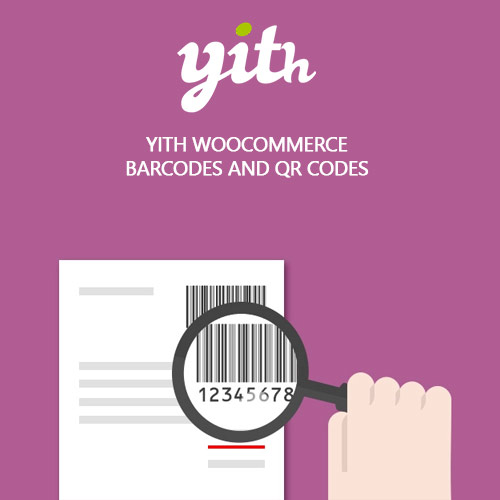
YITH WooCommerce Barcodes and QR Codes Premium


$4.99 Free for Members
Generate and apply barcodes and QR codes to WooCommerce products and orders automatically, then scan them to search products, manage stock, and update order status.
| Version | 2.53.0 |
|---|---|
| Last Updated | May 19, 2026 |
| Type | WordPress Plugin |
| License | GPL v2 or later |
| Live Demo | View demo → |
100% GPL · Original files · Unlimited sites
- Original, unmodified files — delivered exactly as distributed by the developer
- GPL licensed — use it on unlimited websites, personal or client
- Free updates — new versions appear here as soon as they are released
- Verified downloads — every file is integrity-checked (SHA-256) before release
Distributed under the GNU General Public License. Not affiliated with the original developer; official support, license keys and developer-hosted services (such as one-click updates) are available only from the developer.
Secure checkout with PayPal · GPL licensed · Instant download
Description
YITH WooCommerce Barcodes and QR Codes Premium is a WordPress plugin that creates barcodes and QR codes for your shop's products and orders. Codes can be generated automatically or assigned by hand, shown on product pages and order emails, and printed as labels. Scanning a code lets you find a product or order and change stock or order status without opening the backend.
Key Features
- Automatic code generation – Codes are created for new products and orders without manual work, and existing catalogs can be filled in one click.
- Barcode protocol choice – You pick which barcode standard the plugin uses when creating product and order codes.
- Code source options – The code value can be built from the product ID, SKU, a custom field, or the product page URL.
- Printable barcode list – You can download a PDF listing your products' barcodes to print as stickers, or print one barcode several times.
- Codes on product pages – You decide whether the barcode or QR code appears on the product detail page.
- Codes in order emails – Order and product codes can be included in the emails your store sends to customers.
- Scan to search products – A shortcode builds a search page where scanning a code finds the product and lets you raise or lower its stock.
- Scan to edit orders – A dedicated shortcode creates a page for finding orders by code and changing their status without entering the backend.
Who Is It For
This plugin is for WooCommerce store owners who handle physical stock and want faster, less error-prone inventory and order handling. It suits shops that label products with barcodes or QR codes and need to look up items or orders by scanning them.