


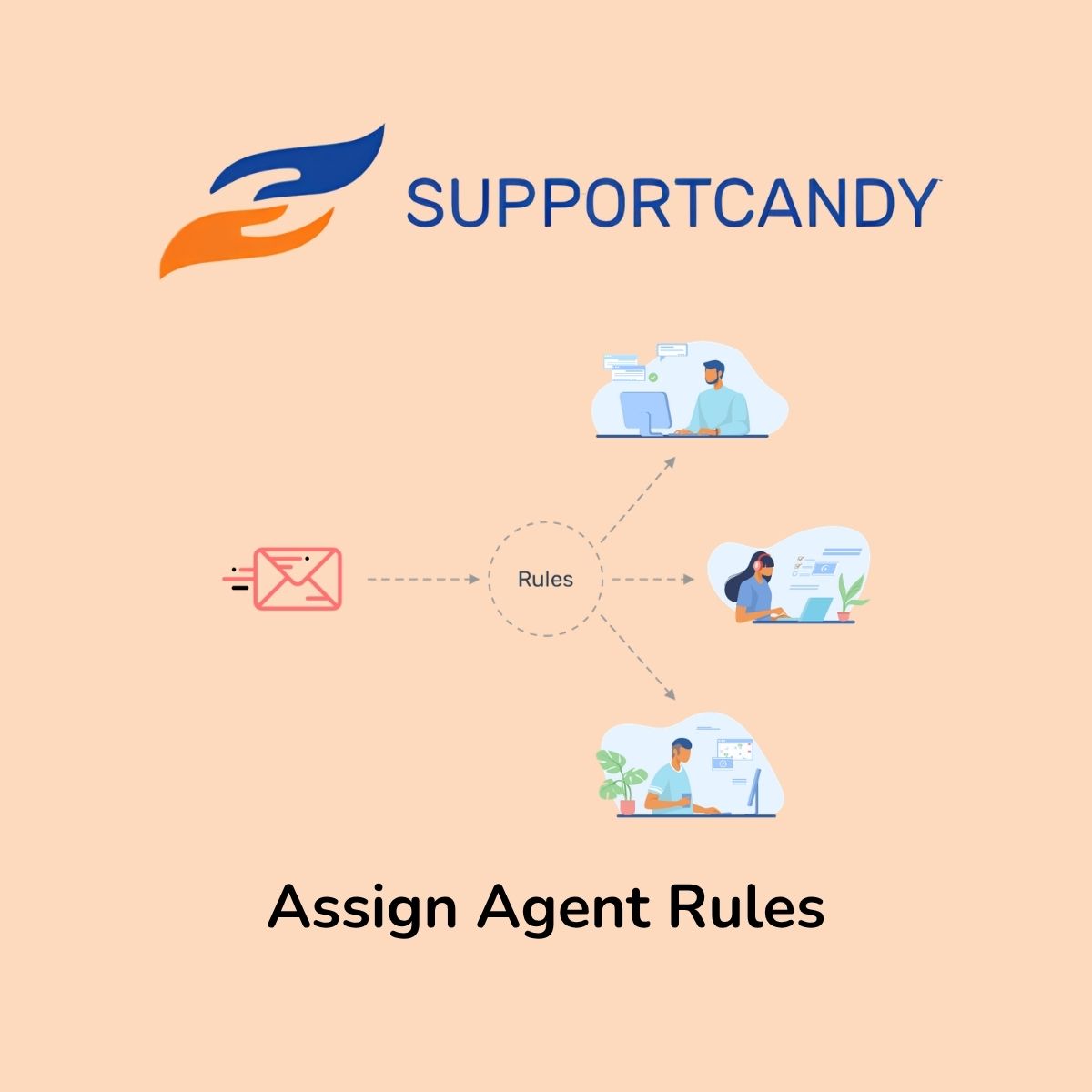
SupportCandy Assign Agent Rules

$4.99 Free for Members
An add-on for SupportCandy that assigns new tickets to agents or agent groups automatically using rules set by the administrator.
| Version | 3.1.2 |
|---|---|
| Last Updated | September 27, 2026 |
| File Size | 61.5 KB |
| Type | WordPress Plugin |
| License | GPL v2 or later |
| Live Demo | View demo → |
100% GPL · Original files · Unlimited sites
- Original, unmodified files — delivered exactly as distributed by the developer
- GPL licensed — use it on unlimited websites, personal or client
- Free updates — new versions appear here as soon as they are released
- Verified downloads — every file is integrity-checked (SHA-256) before release
Distributed under the GNU General Public License. Not affiliated with the original developer; official support, license keys and developer-hosted services (such as one-click updates) are available only from the developer.
Secure checkout with PayPal · GPL licensed · Instant download
Description
Assign Agent Rules is an add-on for the SupportCandy help desk plugin. Administrators define conditions and the agents or agent groups to assign, and when a customer opens a ticket the system matches it against those rules. Agents from every matched rule are then assigned to the ticket.
Key Features
- Automated ticket assignment – New tickets are routed to agents without anyone assigning them by hand.
- Conditional assignment rules – Administrators build rules with conditions that decide which agents or groups receive a ticket.
- Multiple matching rules – When more than one rule matches a ticket, agents from all of the matched rules are assigned.
- Assign agent groups – A ticket can be given to an agent group, whose supervisors can then see it and pass it to members.
- Group plus one member – The rule can assign the group together with a single member chosen by workload or closest working hours.
- Exclude supervisors from selection – You can choose a variant where the member picked from the group is not a supervisor.
Who Is It For
This add-on suits support teams running the SupportCandy help desk, especially businesses that receive a high volume of tickets and want them distributed without manual routing. It is aimed at administrators who set up the assignment rules and at supervisors who manage agent groups.







